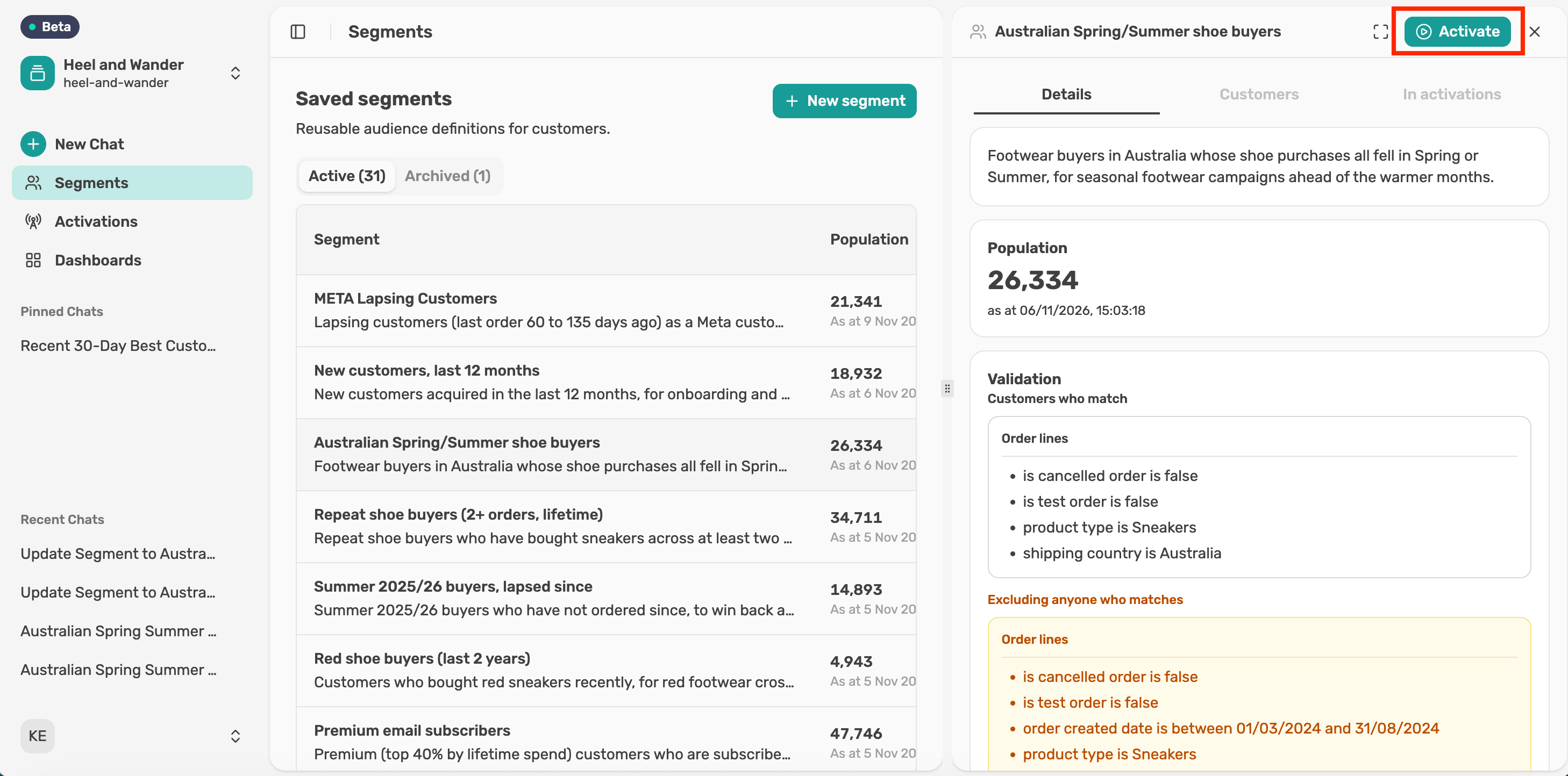
Build and confirm an activation
Choose who to send, where to send them and how your fields line up, then review the activation card before anything goes out.
Before you start
Activations is currently in beta. For now, it supports Klaviyo and once-off activations. New sources and features are in active development and will be released as they're completed.
Choose who to include
Pick Everyone with an email address or Opted-in profiles only. The number beside each option shows how many people would be sent.
Opt-in status comes from your destination platform and follows its rules, so sending opted-in profiles only can mean fewer people than the segment holds.
If you choose everyone, Lexi warns that the send includes people who haven't agreed to email marketing, including people who have unsubscribed. Check that this audience is permitted for how you plan to use it.
Choose a destination and regions
Select where to send the segment from the Destination list, then select the regions you want to send to. You can pick more than one region.
Check the field mapping
Each Lexer field is matched to a field in your destination, such as Customer email to Email. One field is the primary key, which is how the destination matches people. It's marked Matches people on this.
Review the card
The activation card shows everything in one place: the name, destination, field mapping, frequency and who will be sent. Nothing has been sent yet.
To change anything, ask Lexi in chat before you send.