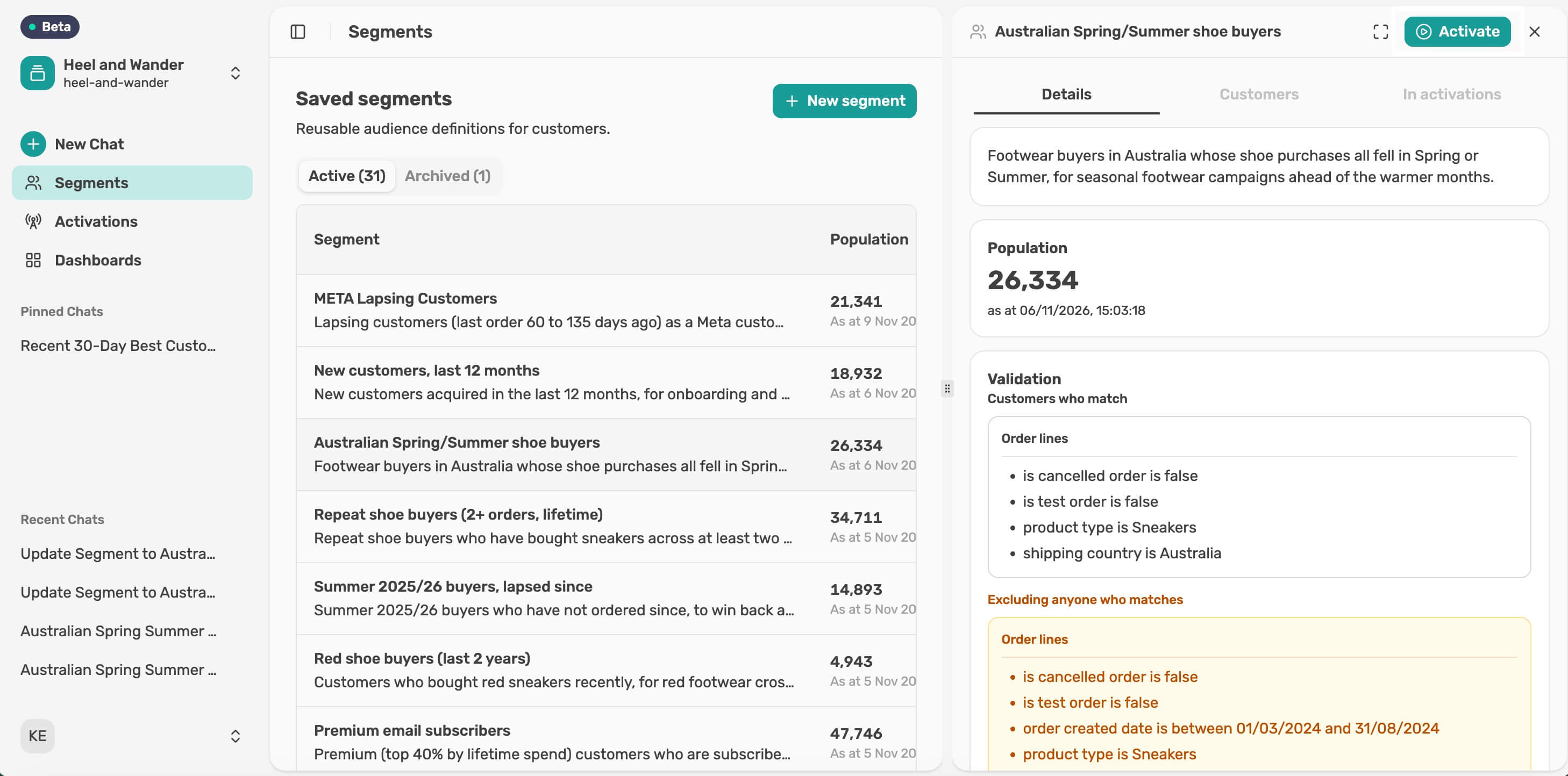
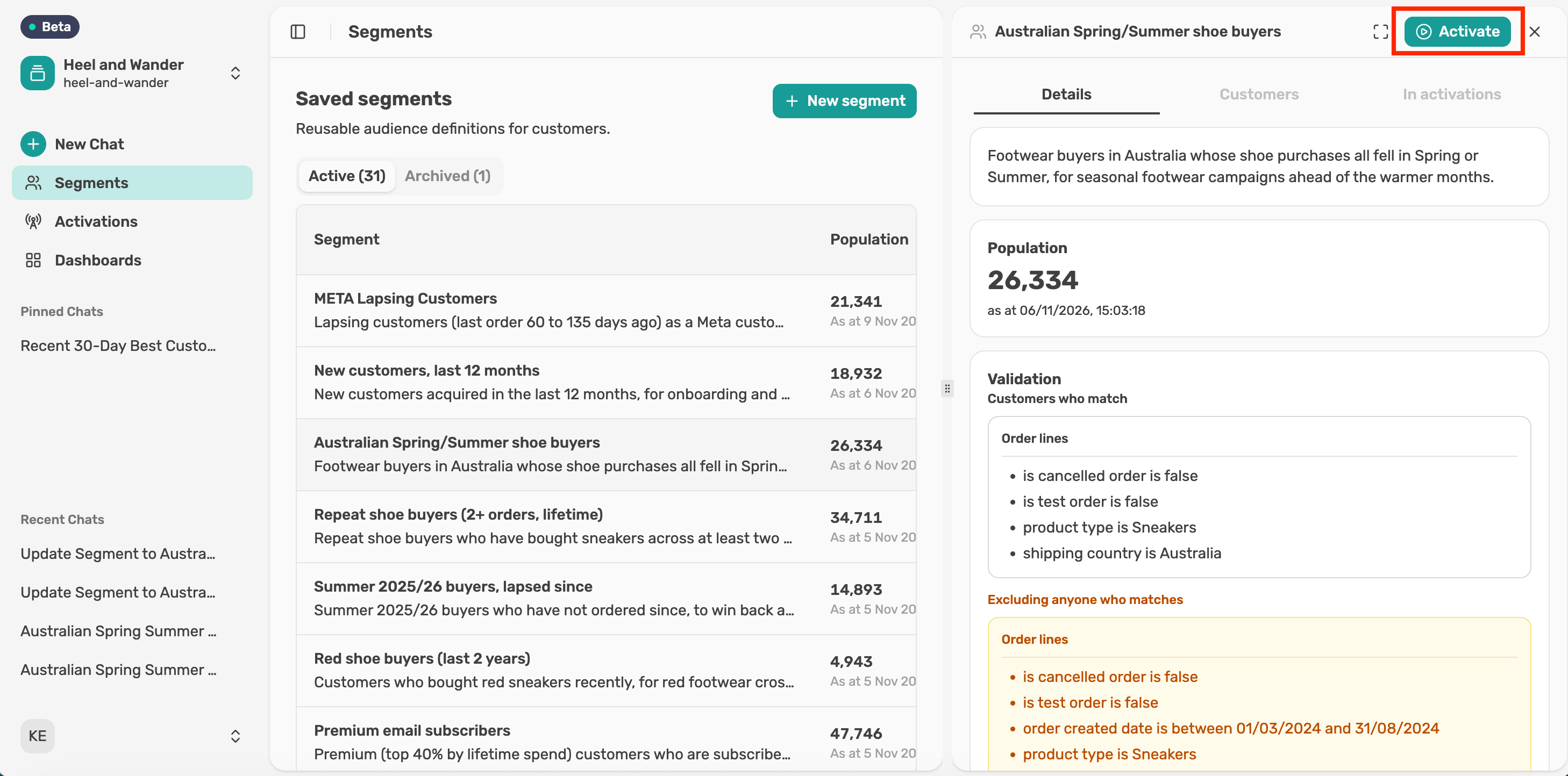
Send a segment to the channels your team uses, approve it, and track what was sent.
Connect the account you want to send segments to. The Lexer team starts it off, and you add your account details.
Send any saved segment to a connected destination, starting from chat.
Choose who to send, where to send them and how your fields line up, then review the activation card before anything goes out.
When the activation card looks right, approve it to send your segment.
Follow an activation after you send it, from the panel in chat or from the Activations page.
Manage an activation and see what it has sent, all from its panel.
See every activation in one place, open any of them, and remove the ones you no longer need.
An activation puts real customers into your marketing platform. A few checks before you select Activate make sure the right people get there, with the details your campaign needs.