Describe the customers you want in plain language. Lexi builds the segment, checks it against your data, and saves it to use in any chat.
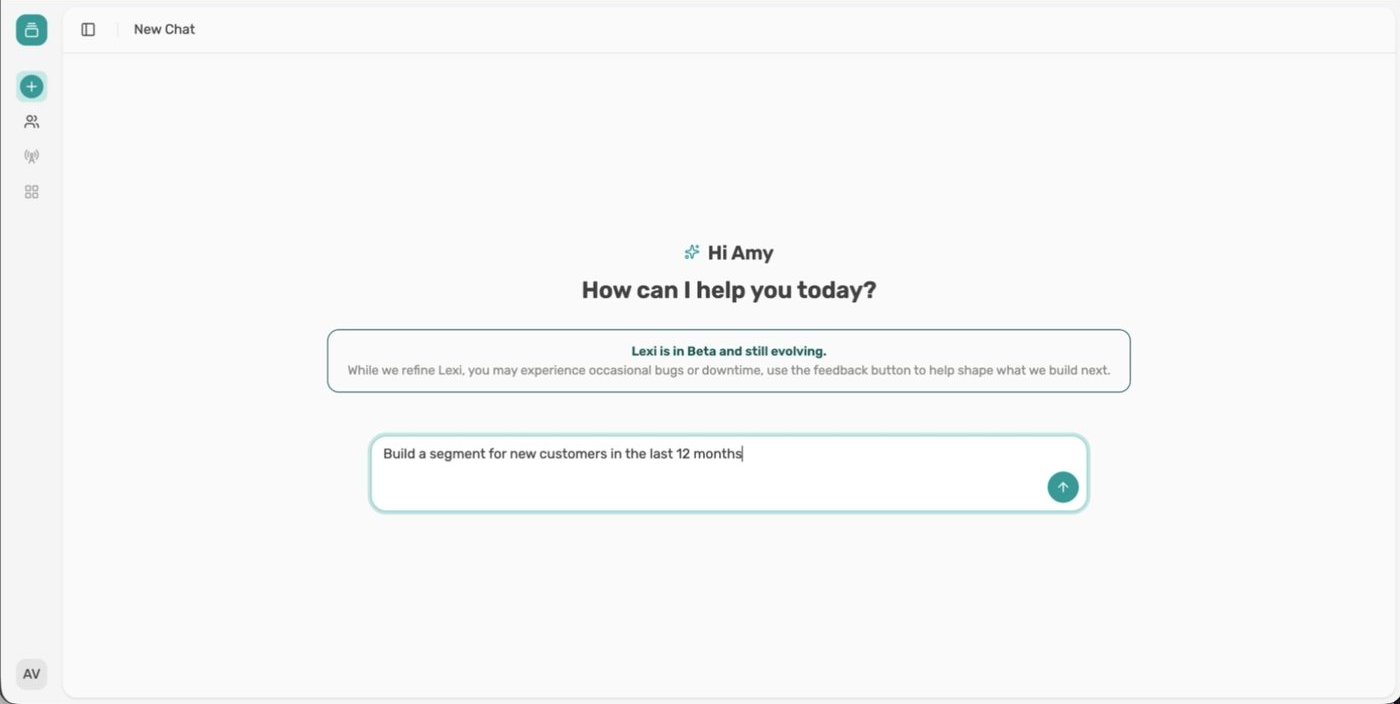
Describe the customers you want in chat, check what Lexi builds, then name and save it.
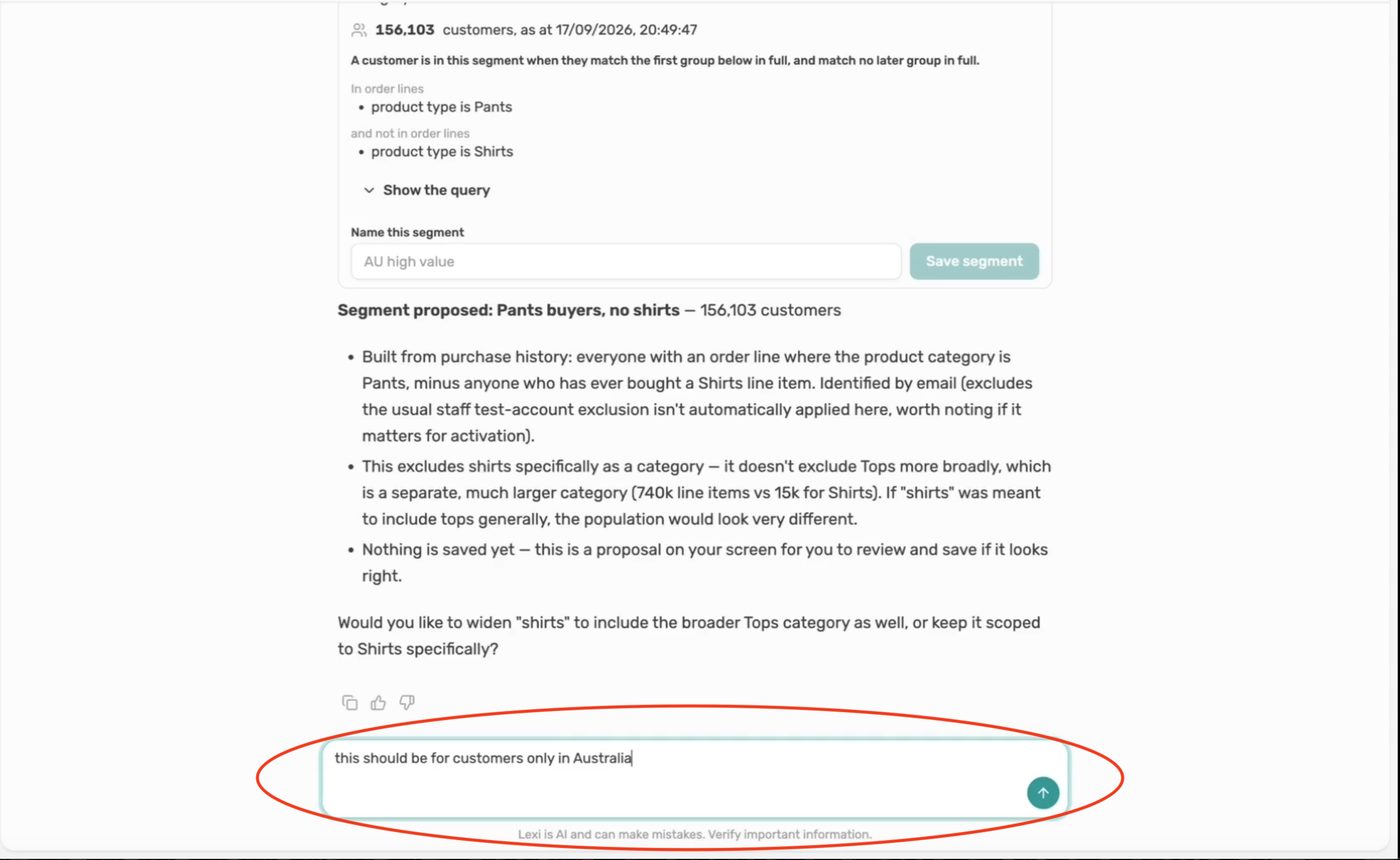
Ask Lexi to change a segment in chat, as many times as you like, before you save it.
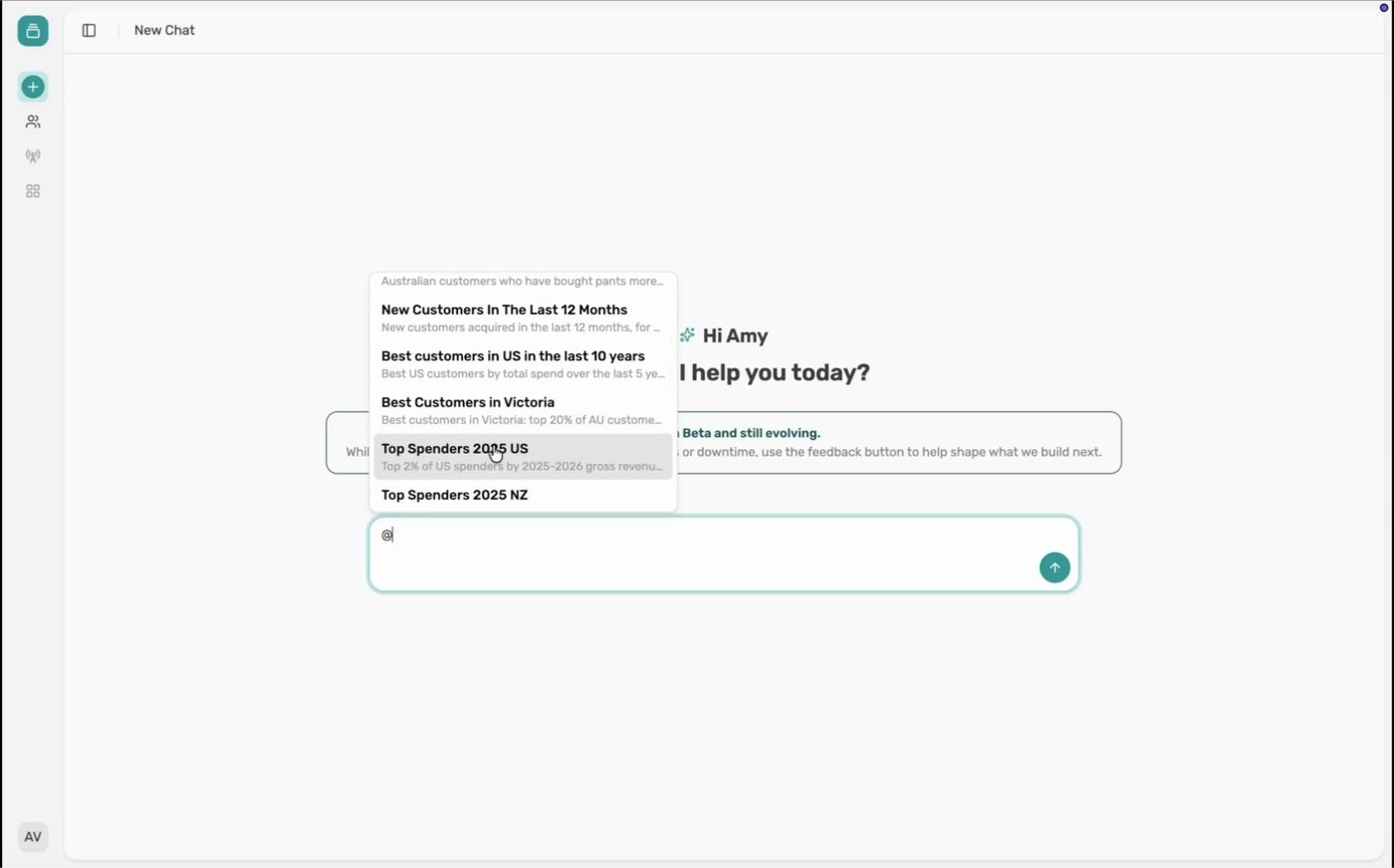
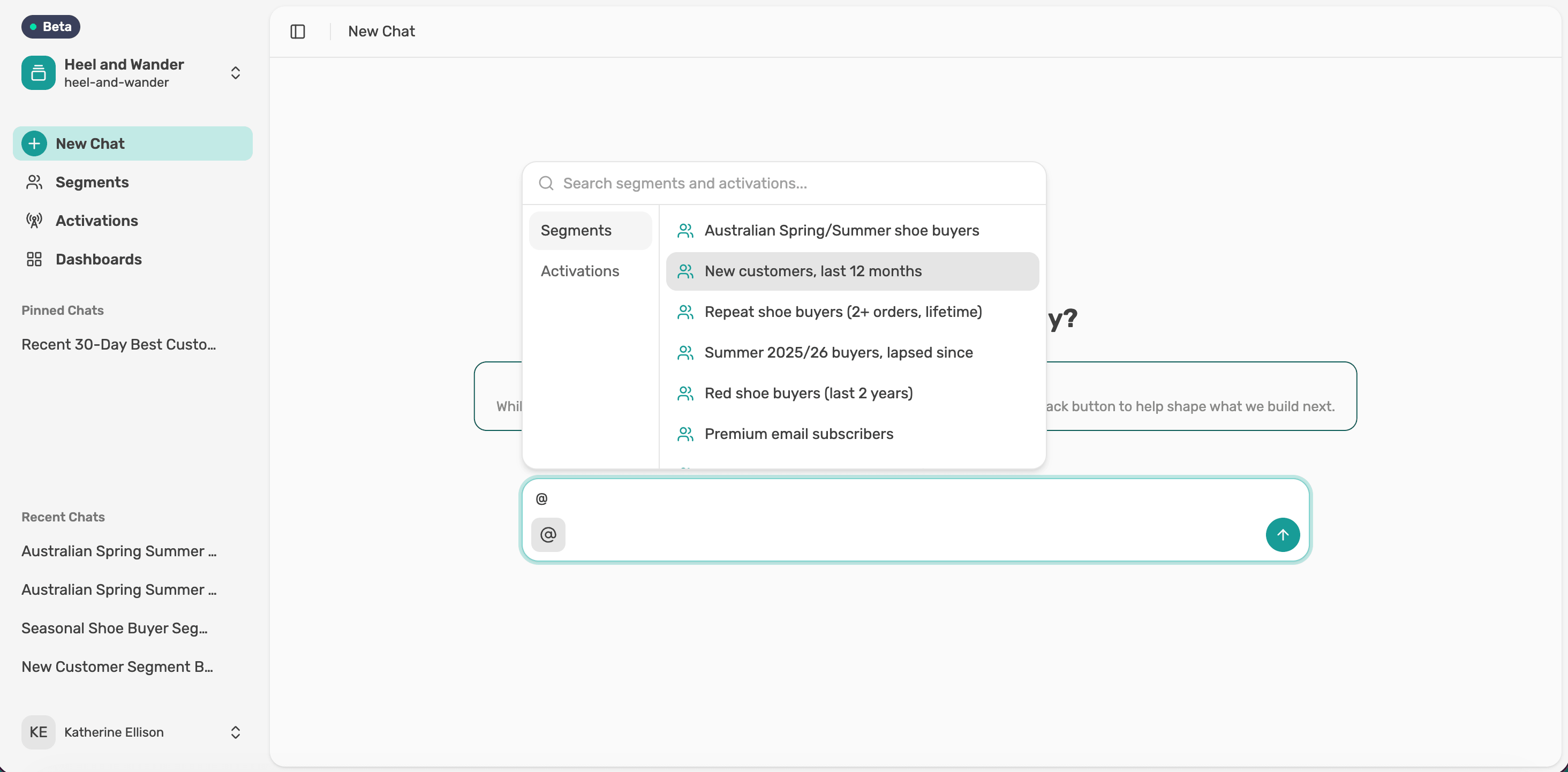
Type @ to bring any saved segment into a chat, then build on it.
Recall a saved segment, ask for a change, then save it over the original or as a new segment.
A saved segment is a starting point for new analysis. Bring it into any chat with @ and keep building.
When you ask Lexi for a segment, it shows you a card to check before anything is saved. Here's what each part of the card tells you.
Lexi understands plain language, so there's no special way to ask. A few habits help you get the answer you want first time.