Edit a segment before saving
Ask Lexi to change a segment in chat, as many times as you like, before you save it.
Before you start
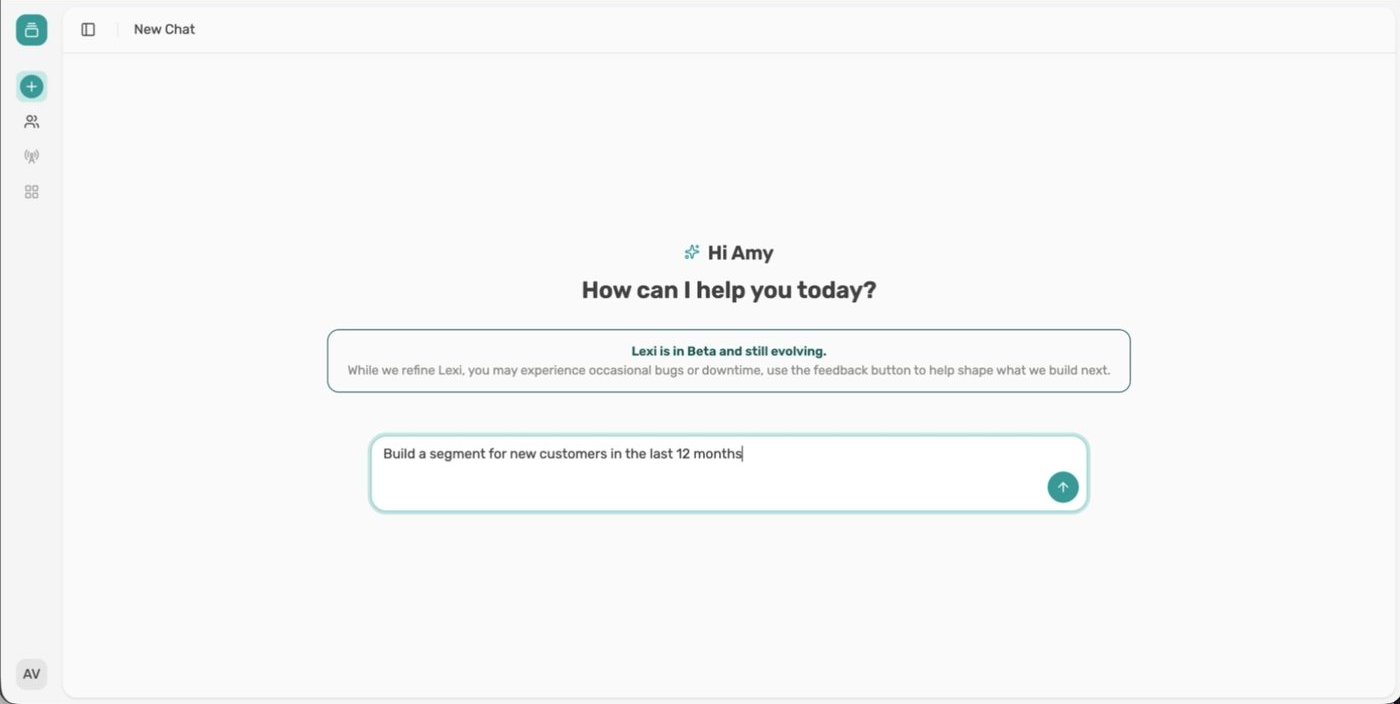
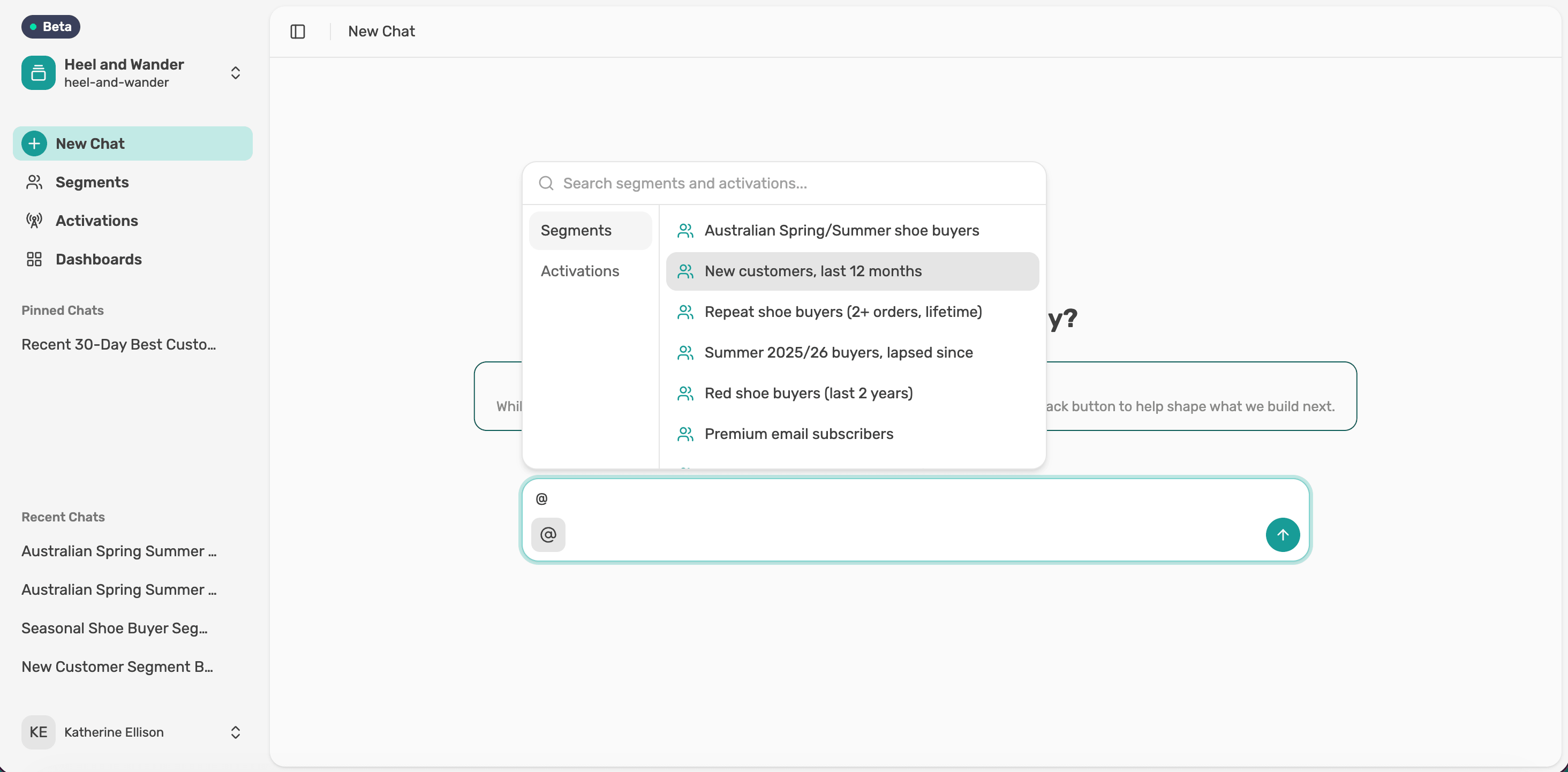
Ask Lexi to build a segment. Nothing is saved until you say so.
Ask for a change
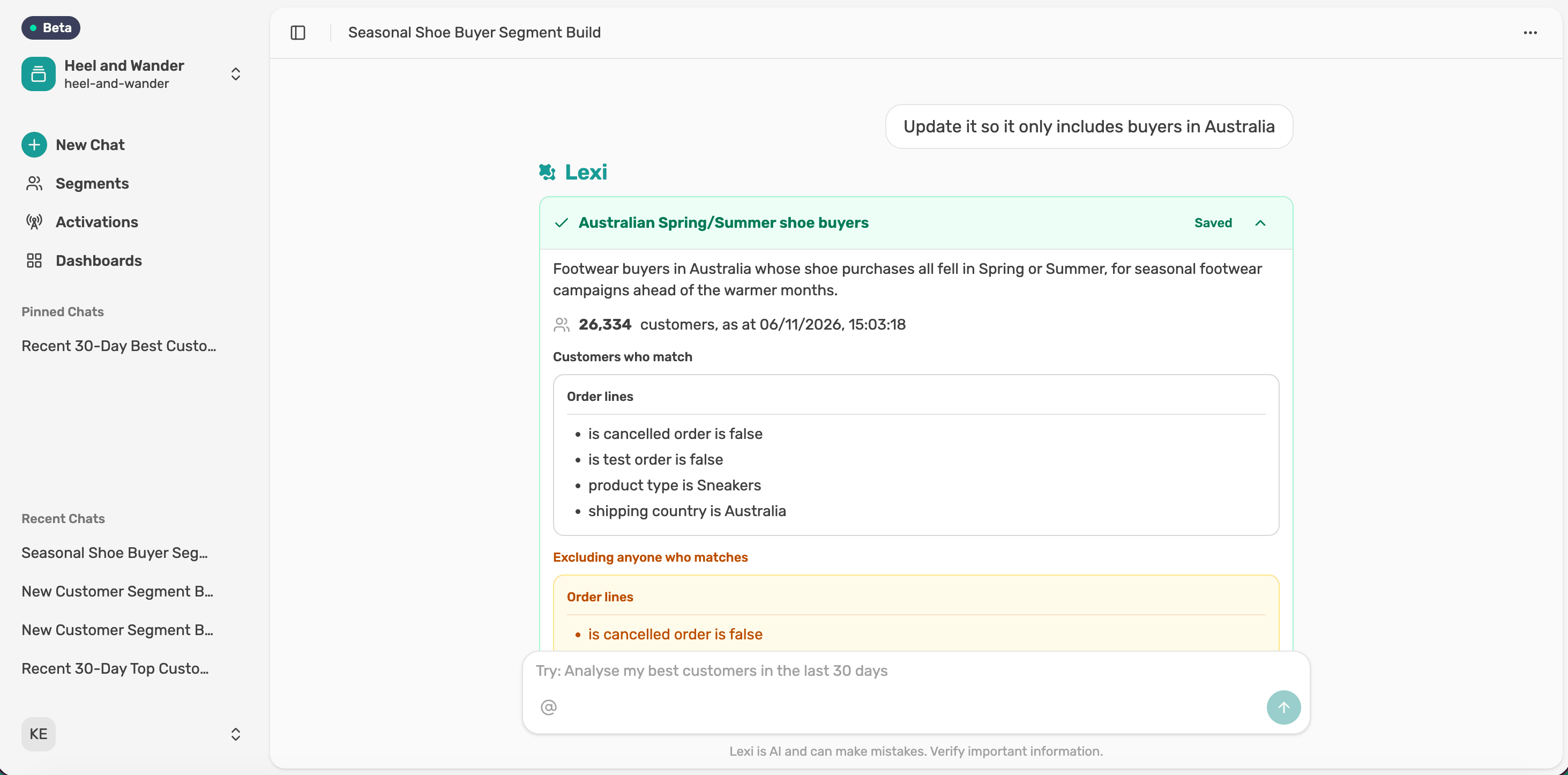
When Lexi returns the segment card, type what you'd like to change as a normal message. You don't need to describe the whole segment again.
Review the update
Lexi updates the card and recalculates the size. Here, limiting it to Australia took it from 156,103 to 141,461 customers. Keep asking until it's right.
Name it and save
Type a name and select Save segment.
Next article
Recall a saved segment