Update a saved segment
Recall a saved segment, ask for a change, then save it over the original or as a new segment.
Before you start
You need a saved segment. Nothing changes until you save.
Recall it
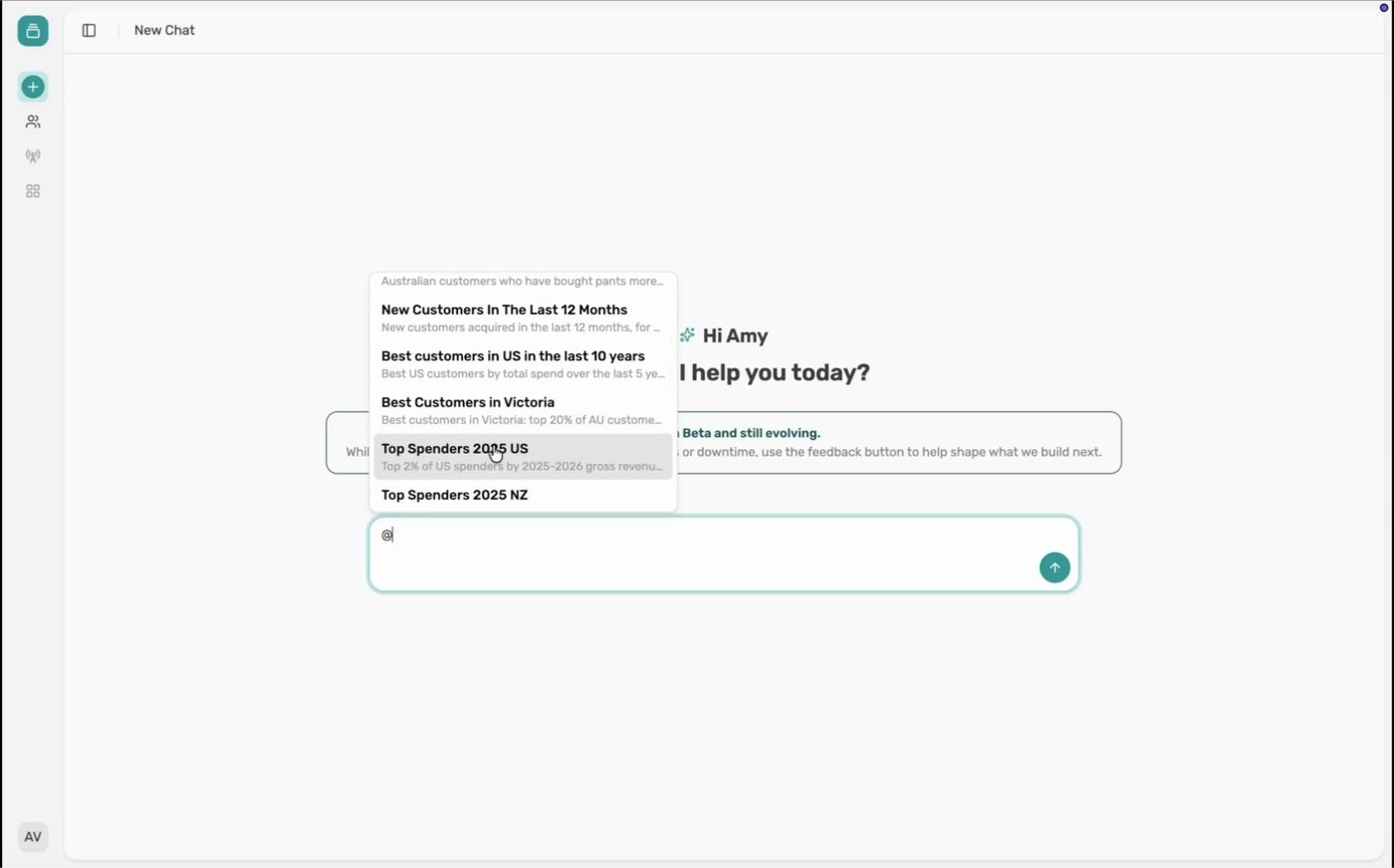
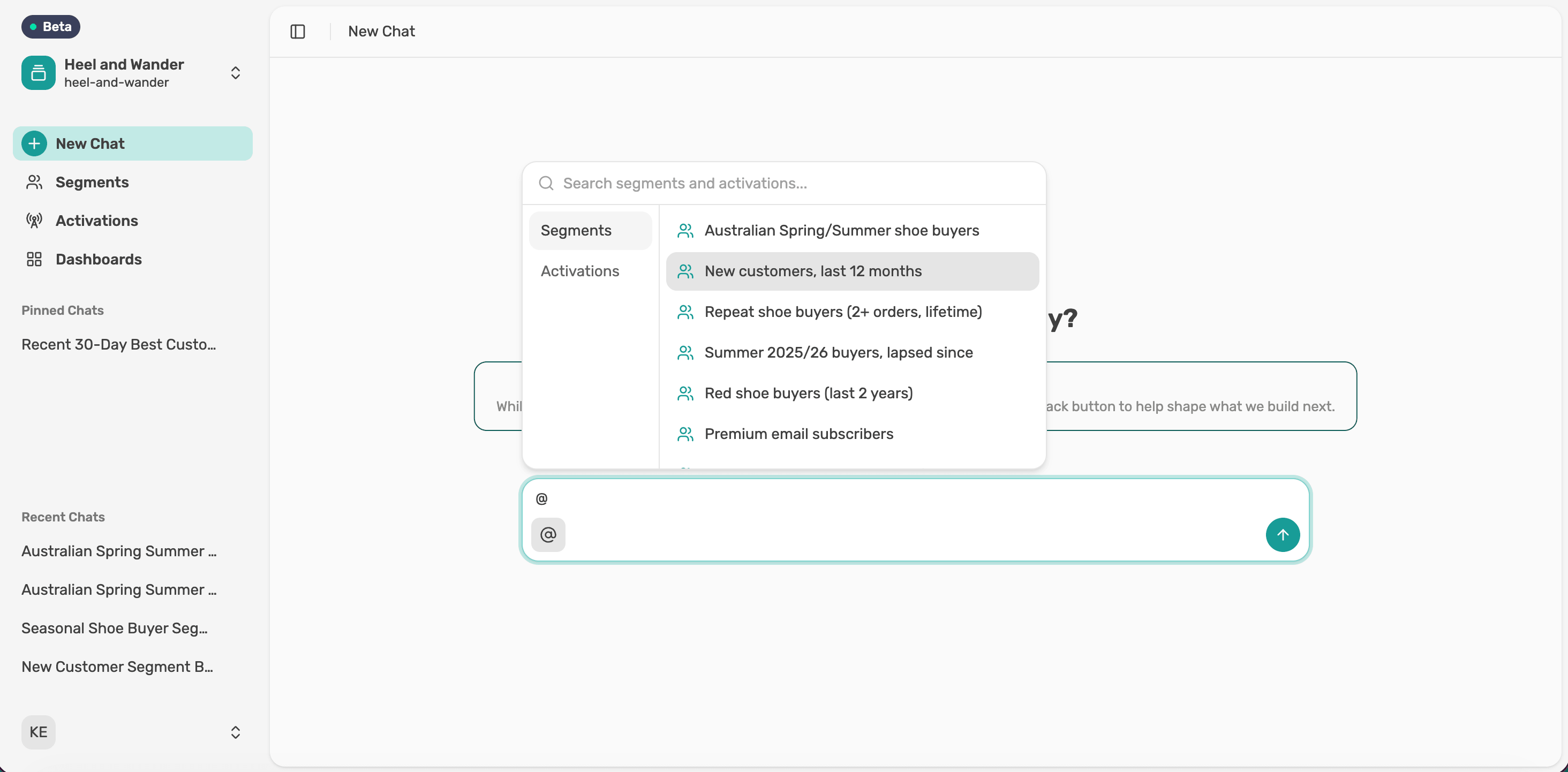
Type @ and pick the saved segment.
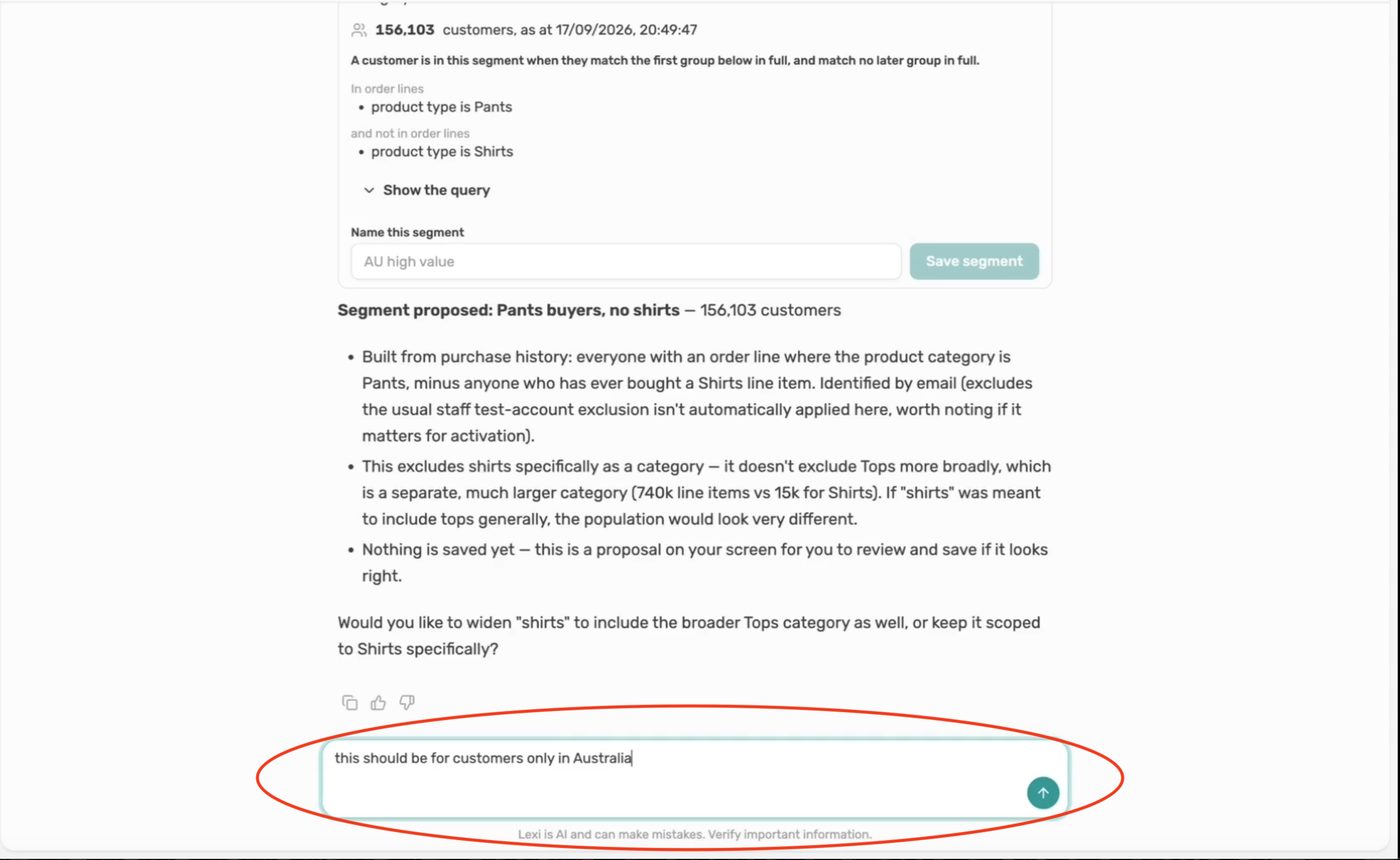
Ask for the change
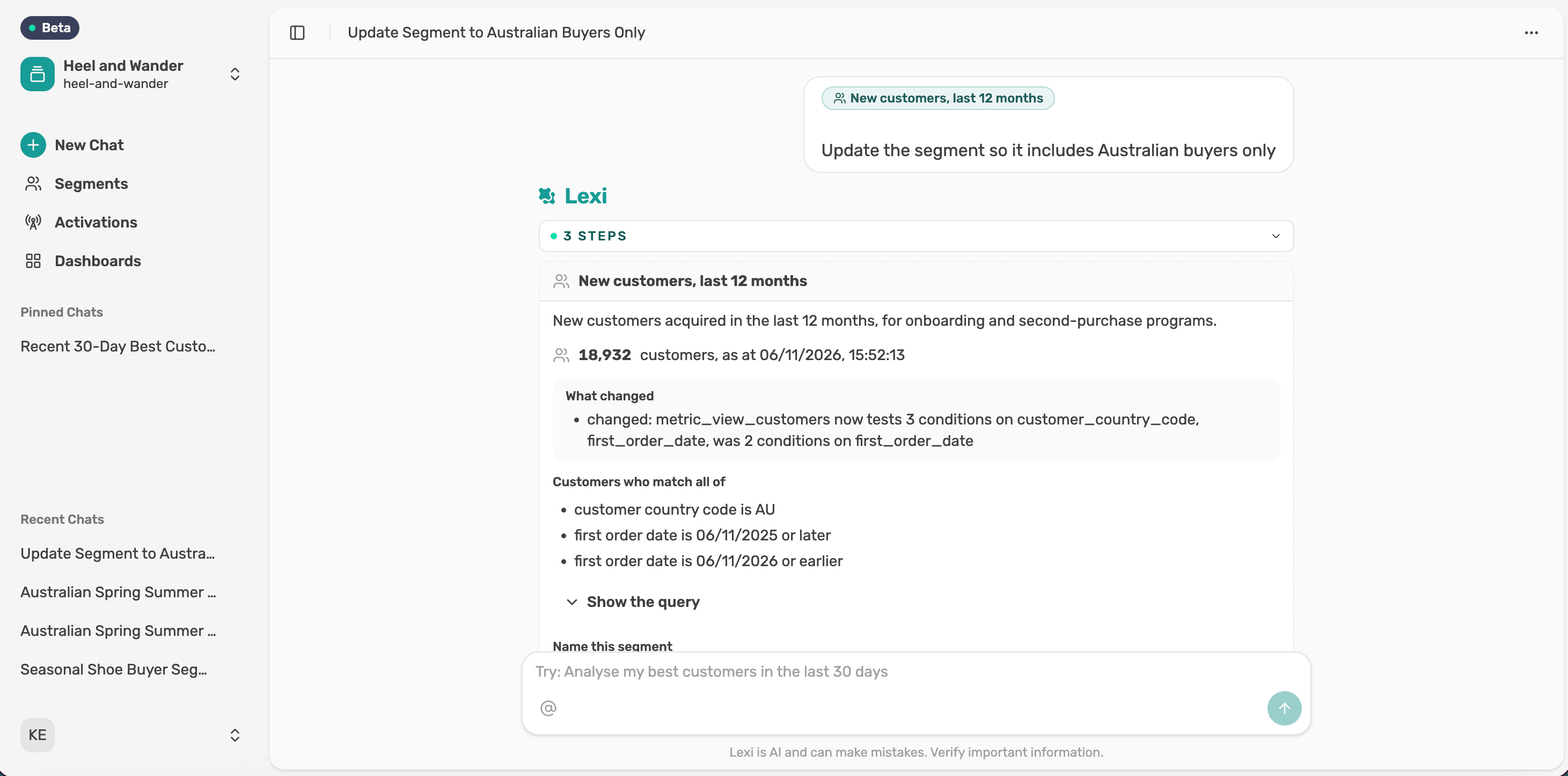
Say what you'd like to change, or select Refine the segment. Lexi returns an updated card with the new size and a summary of what changed. Here, limiting it to Australia took it from 80,687 to 65,131 customers.
Save it
Choose whether to update the original or save it as a new segment, then select Save segment.