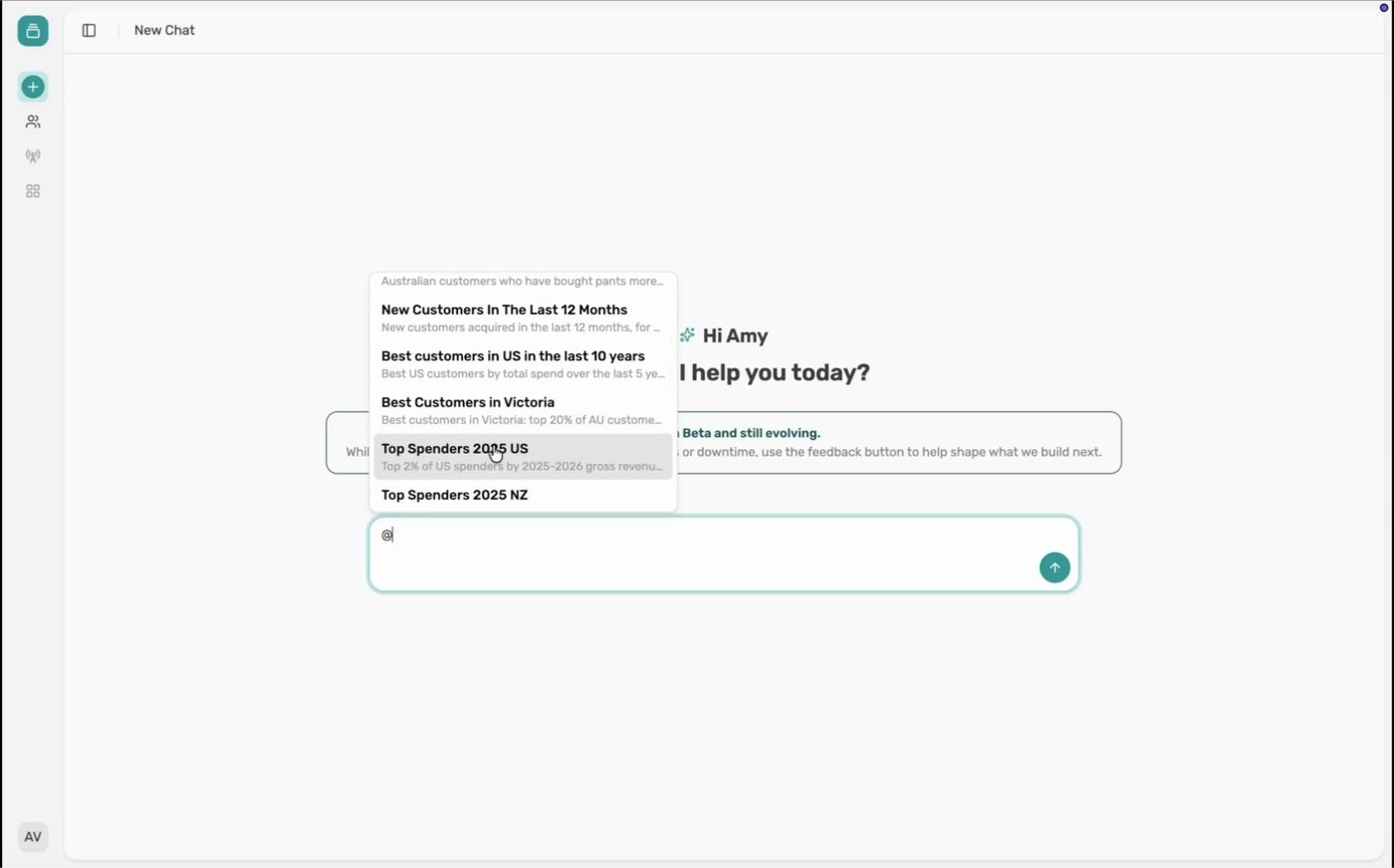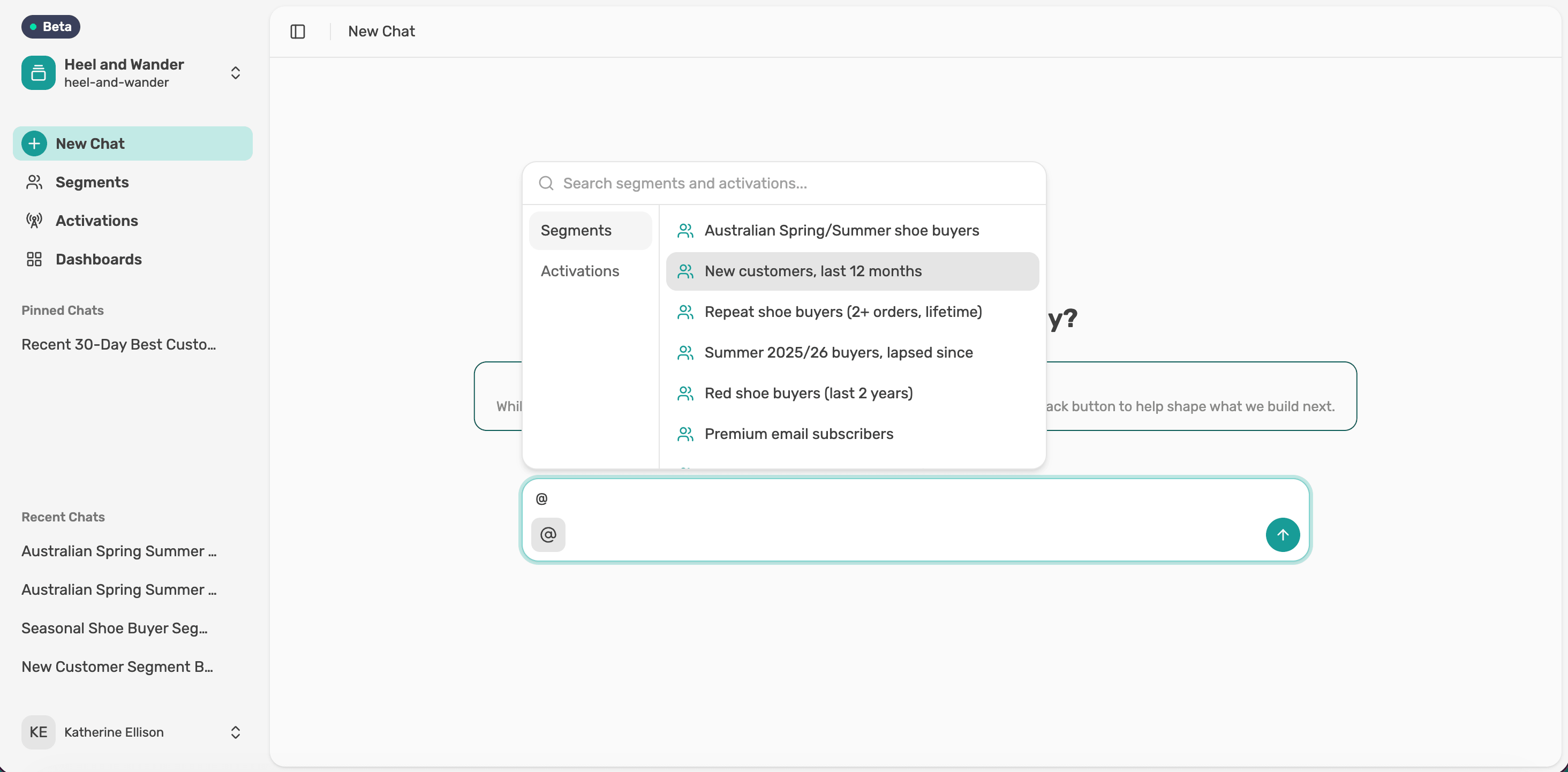
Build and save a segment
Describe the customers you want in chat, check what Lexi builds, then name and save it.
Ask for it
Describe the customers you want in plain language, the way you'd ask a colleague. You don't need filters or special syntax.
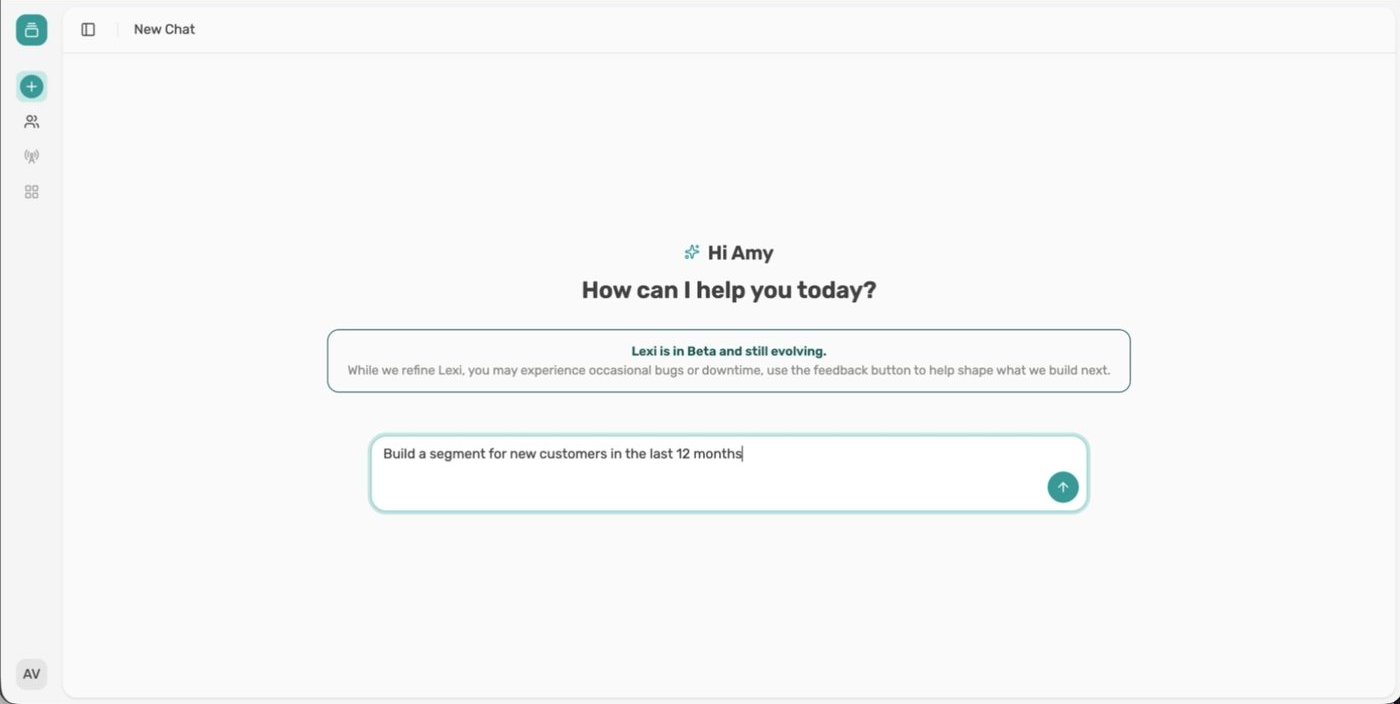
Try “Build a segment for new customers in the last 12 months”. You can also start from Segments and select New segment.
Check the result
Lexi checks your data and returns a segment card with the rules it used. Nothing is saved yet. Select Show the query to see the exact logic, or ask for a change in chat if it isn't quite right.
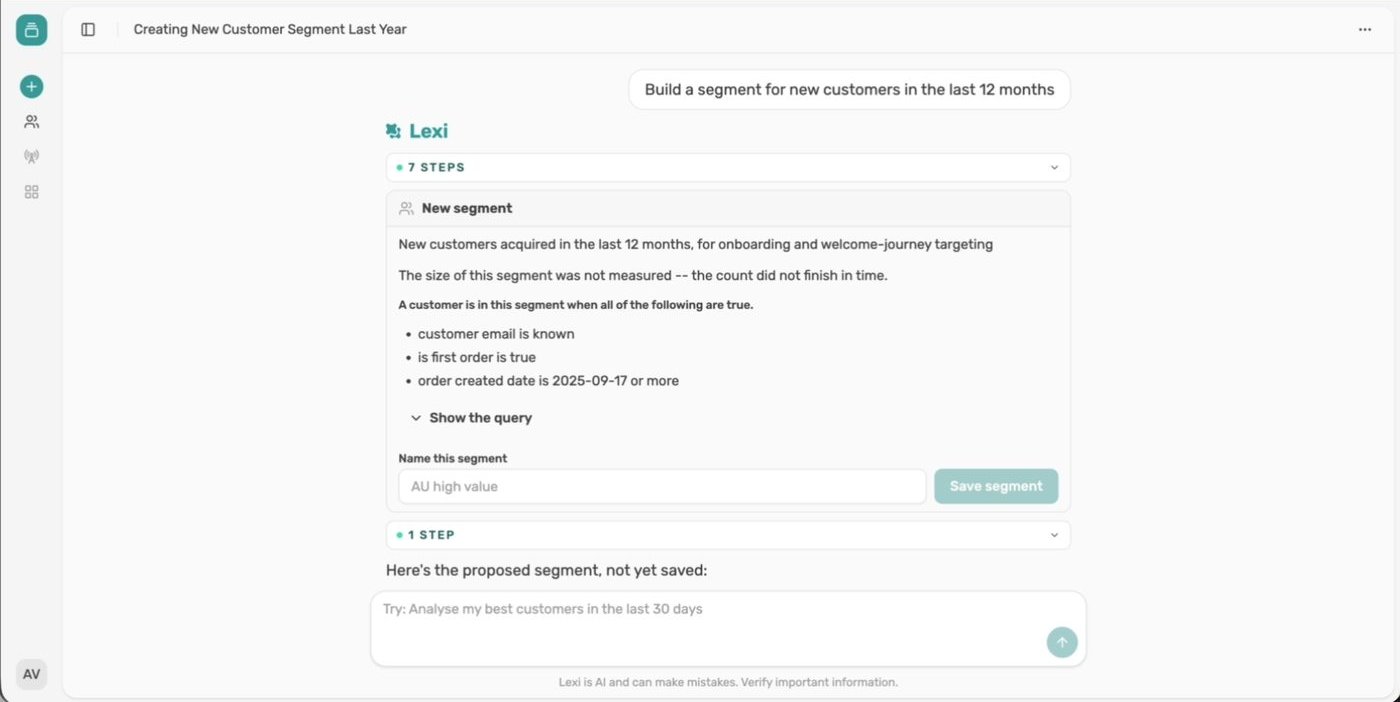
Name it and save
Type a name and select Save segment. The card shows a Saved label, and your segment is ready to use in any chat.

Next article
Edit a segment before saving