
Pin and unpin a chat
Pin a chat to keep it at the top of the left panel, one click away.
Select Pin
In a chat, open the … menu at the top right. Or in Recent Chats, select the three dots next to the chat. Then select Pin.
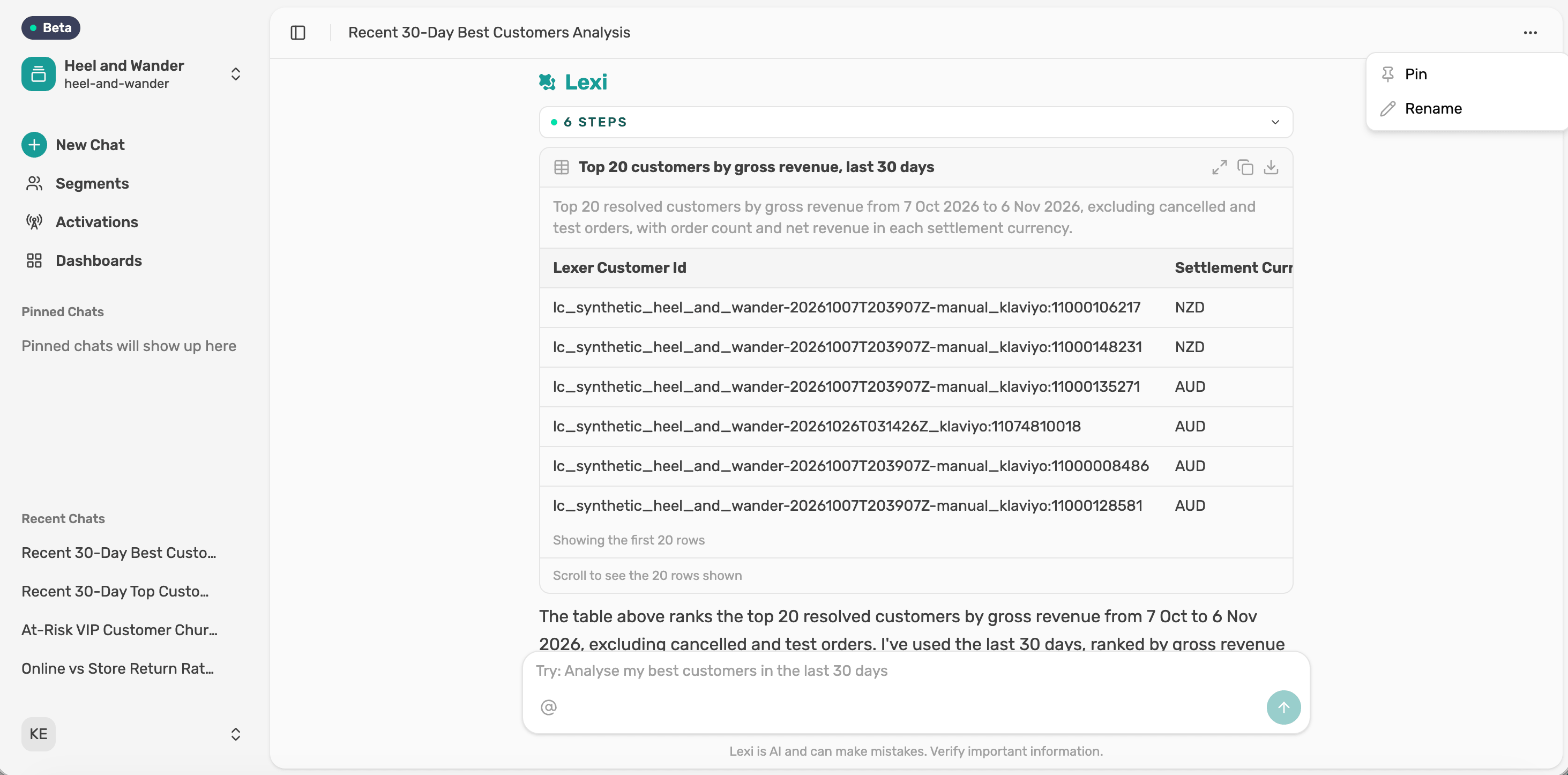
Find it in Pinned Chats
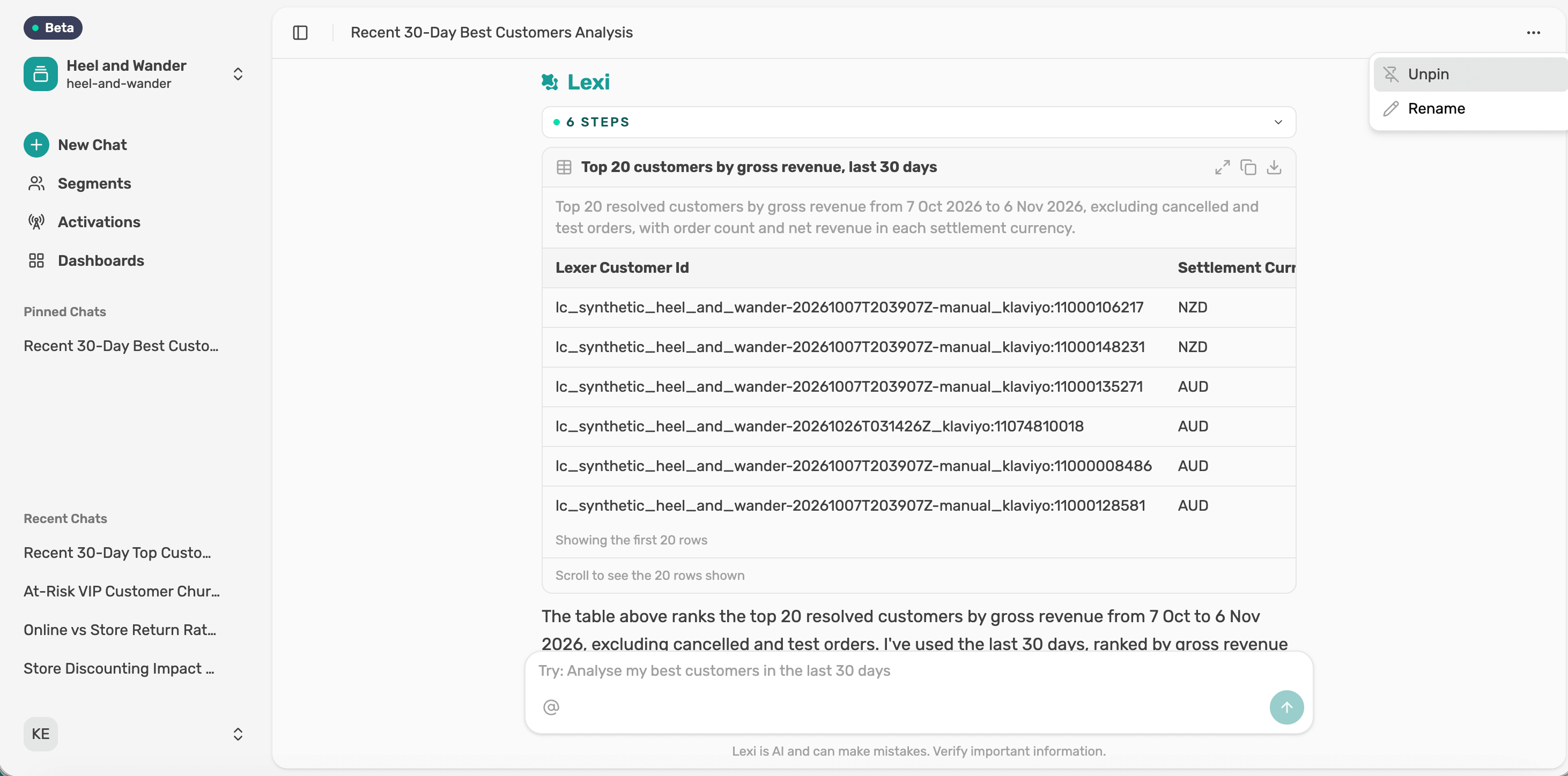
You'll see a confirmation, and the chat moves to Pinned Chats at the top of the left panel.

Unpin it
Open either menu again and select Unpin.
Next article
Rename a chat