Read Segment Performance
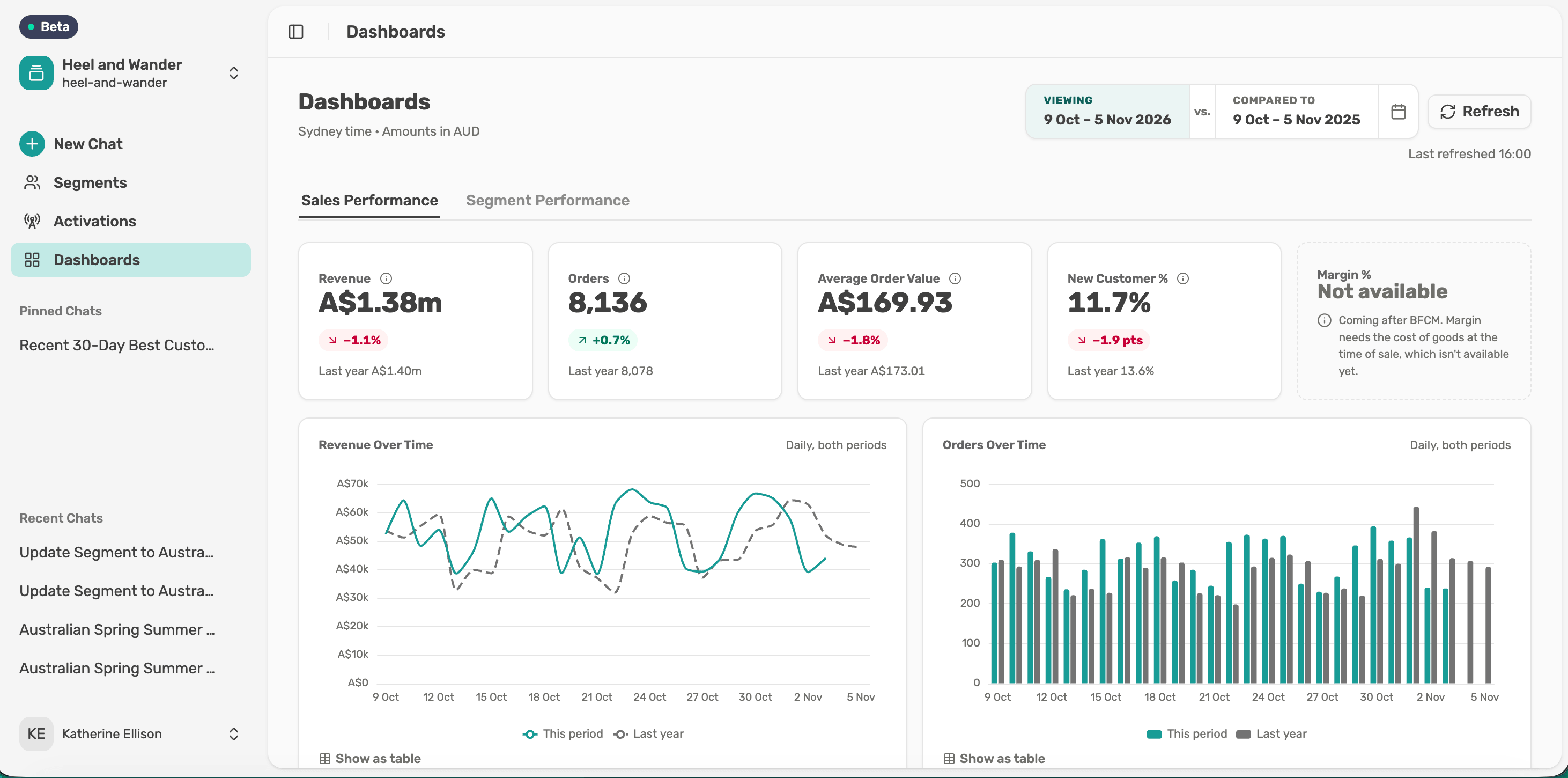
See how one saved segment is performing, over the same dates as Sales Performance.
Before you start
You need a saved segment. Segments saved before Dashboards launched show “This segment's numbers aren't available yet.”
Pick a segment
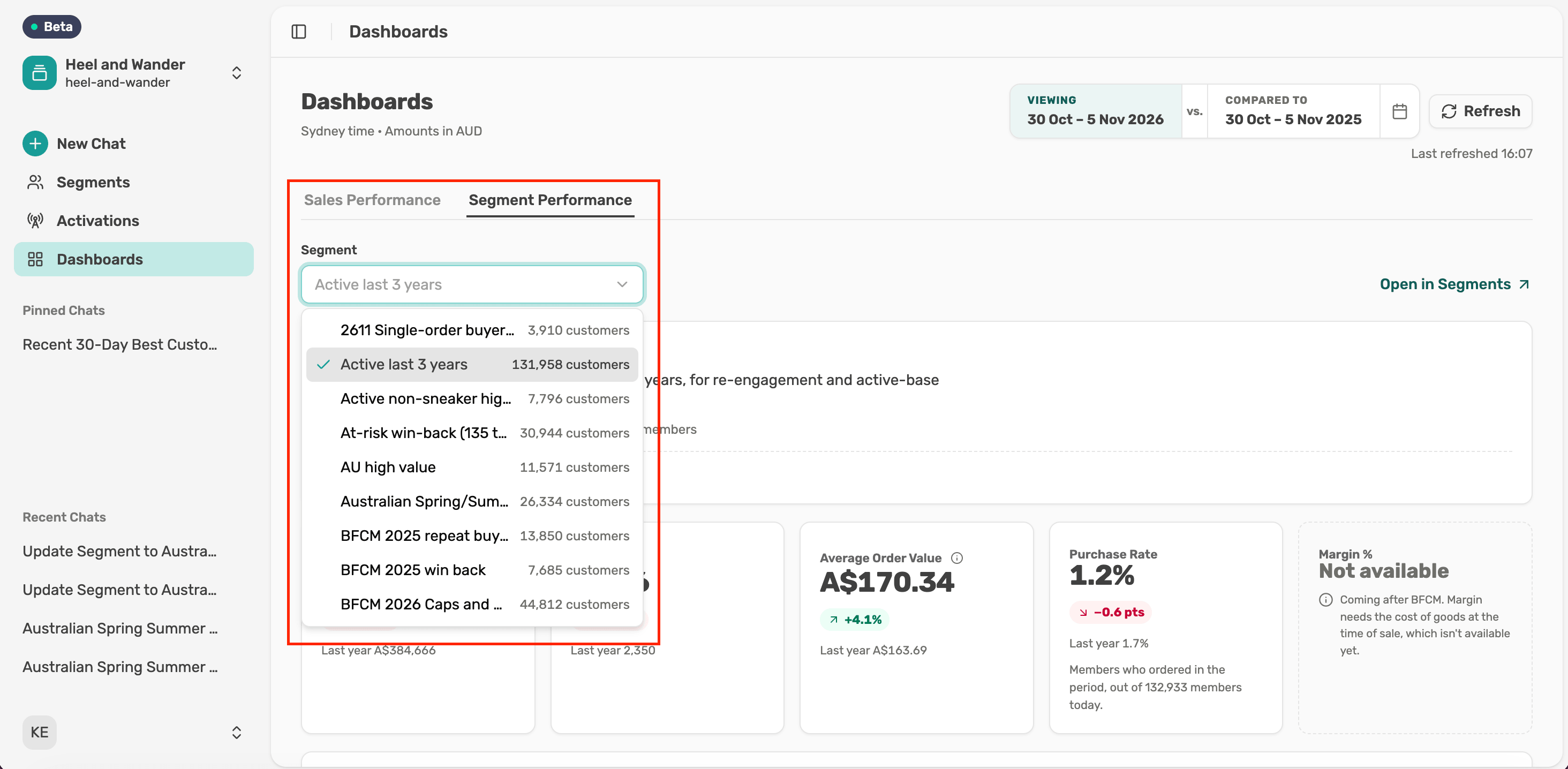
Select the Segment Performance tab and choose a saved segment by name.
Read its numbers
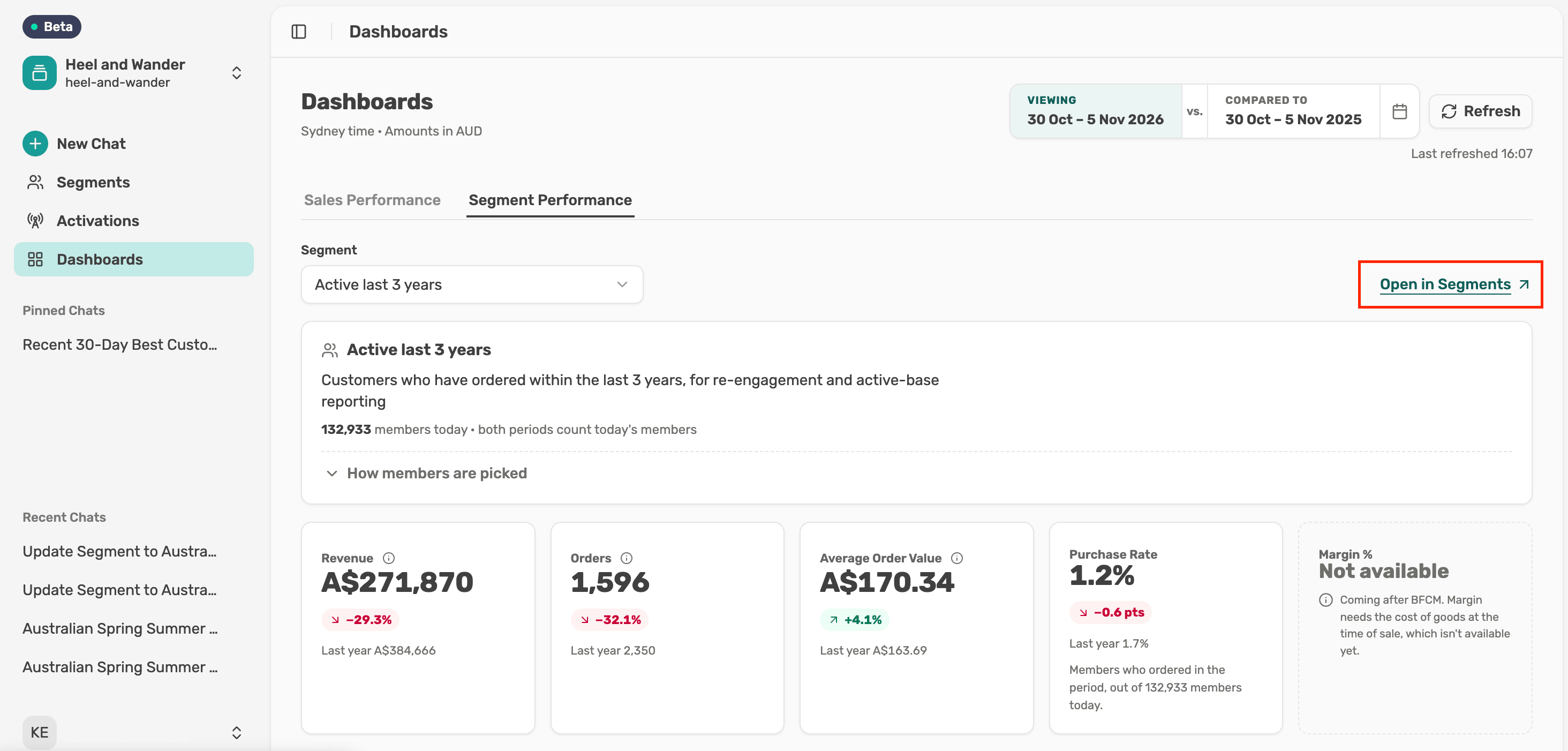
The summary card shows how many members the segment has today. Select How members are picked to see its rules. Below are Revenue, Orders, Average Order Value and Purchase Rate, the share of members who ordered in the period. These figures cover the segment's members only.
Open the segment
Select Open in Segments to work with the same segment on the Segments page.