Lexi understands plain language, so there's no special way to ask. A few habits help you get the answer you want first time.
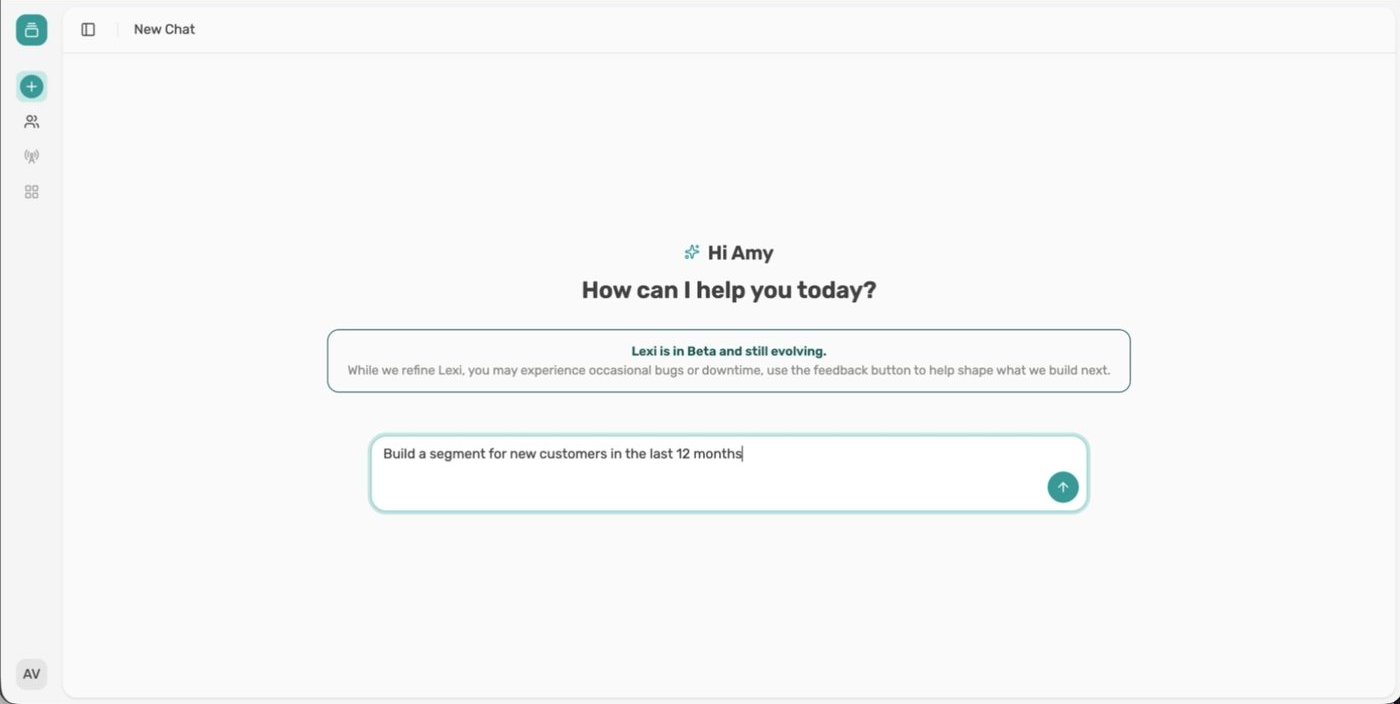
You don't need filters, codes or special syntax. Describe what you want to know or who you want to find.
Say which period you mean, such as the last 30 days or the last 12 months. Lexi turns it into exact dates and shows them in the answer, so you can check it covered the right window.
Some words can mean more than one thing. "New" could mean a customer's first order or the date they signed up. "Best" could mean highest spend before or after refunds.
Lexi tells you how it read words like these and offers to change it. If you already know what you mean, say it up front, for example "customers whose first order was in the last 12 months".
When a request could go more than one way, Lexi checks with you. For example, it might ask whether "shirts" should include the wider Tops category. Reply in chat and Lexi carries on from there.
You don't need to start again to change something. Add to it in a follow-up message:
Lexi keeps what it already has and applies the change.
Every answer shows how Lexi got there. Open the steps to see what it did, select Show the query on a segment card to see the exact logic, and read the summary for anything Lexi has flagged. Lexi can make mistakes, so check anything important before you act on it.