Get started with Dashboards
See how your business and your saved segments are performing, on one page with two tabs.
Open Dashboards
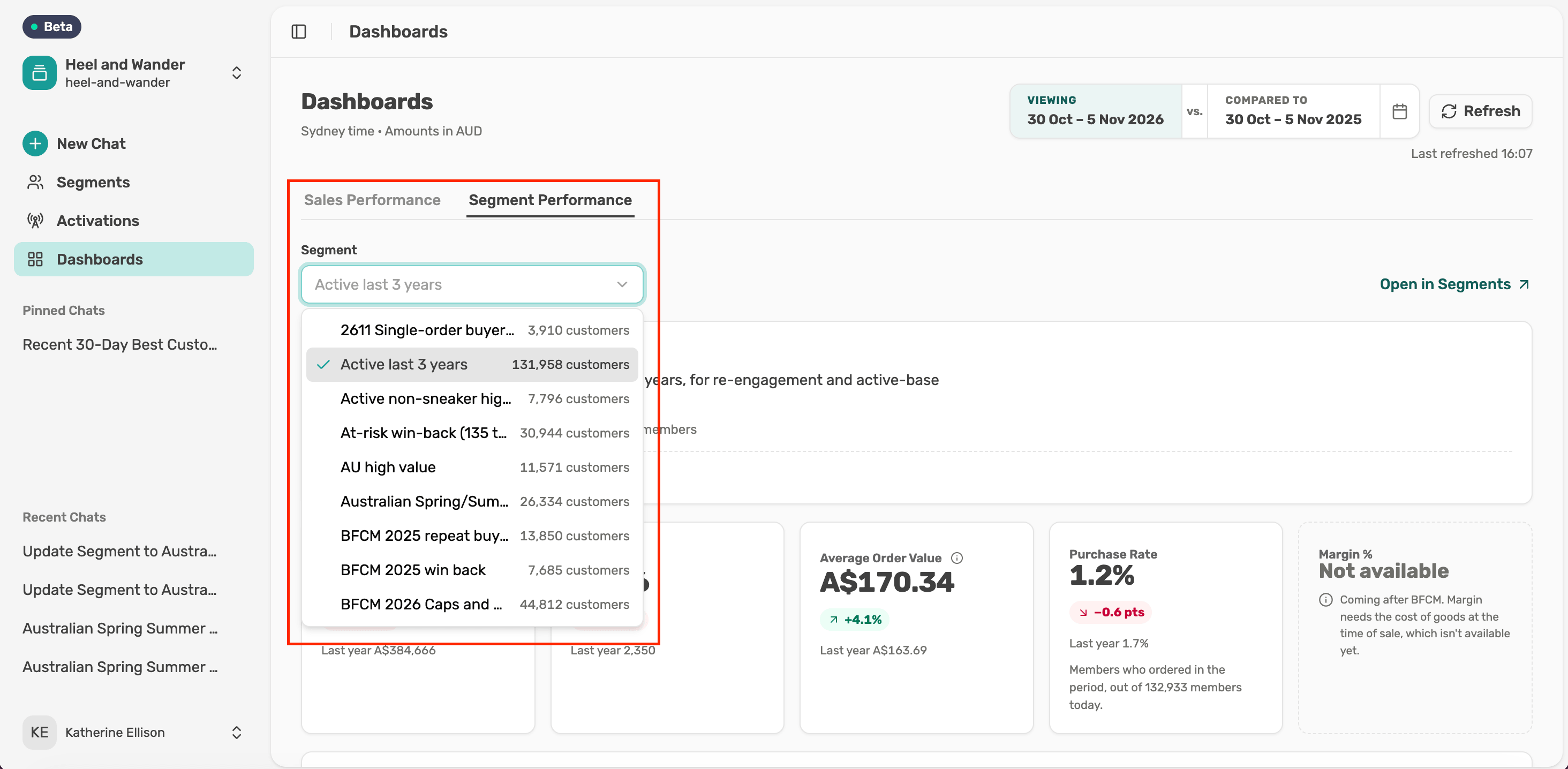
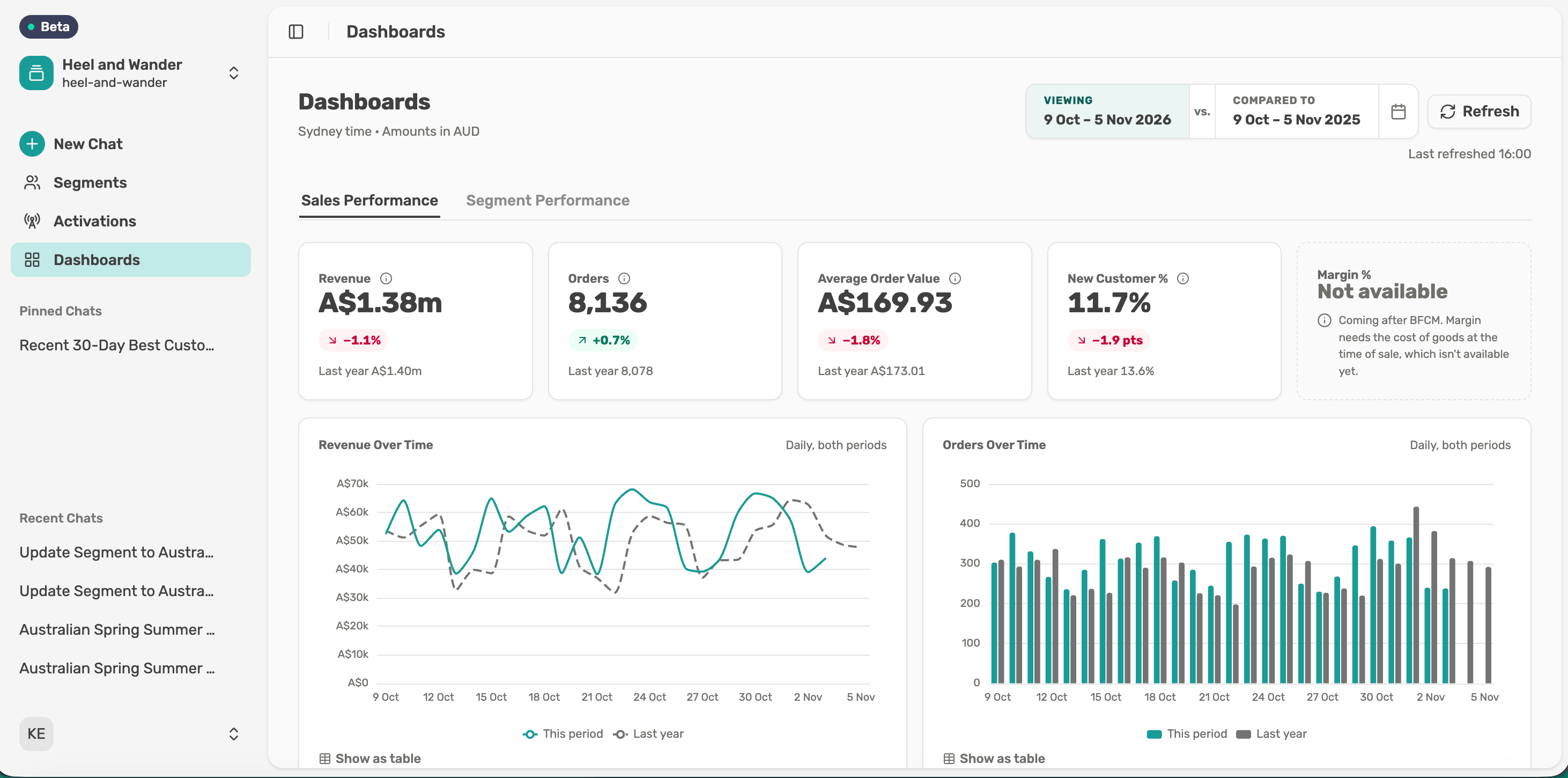
Select Dashboards in the left menu. It opens on Sales Performance, which covers the whole business. Switch to Segment Performance to see one saved segment. Both tabs use the same dates.
Share a view
Copy the page address and send it to a colleague. They'll see the same tab, dates and segment.
Tip: The first load of the day can take up to a minute. If the page says your dashboard isn't set up yet, contact the Lexer team.
Next article
Read Sales Performance