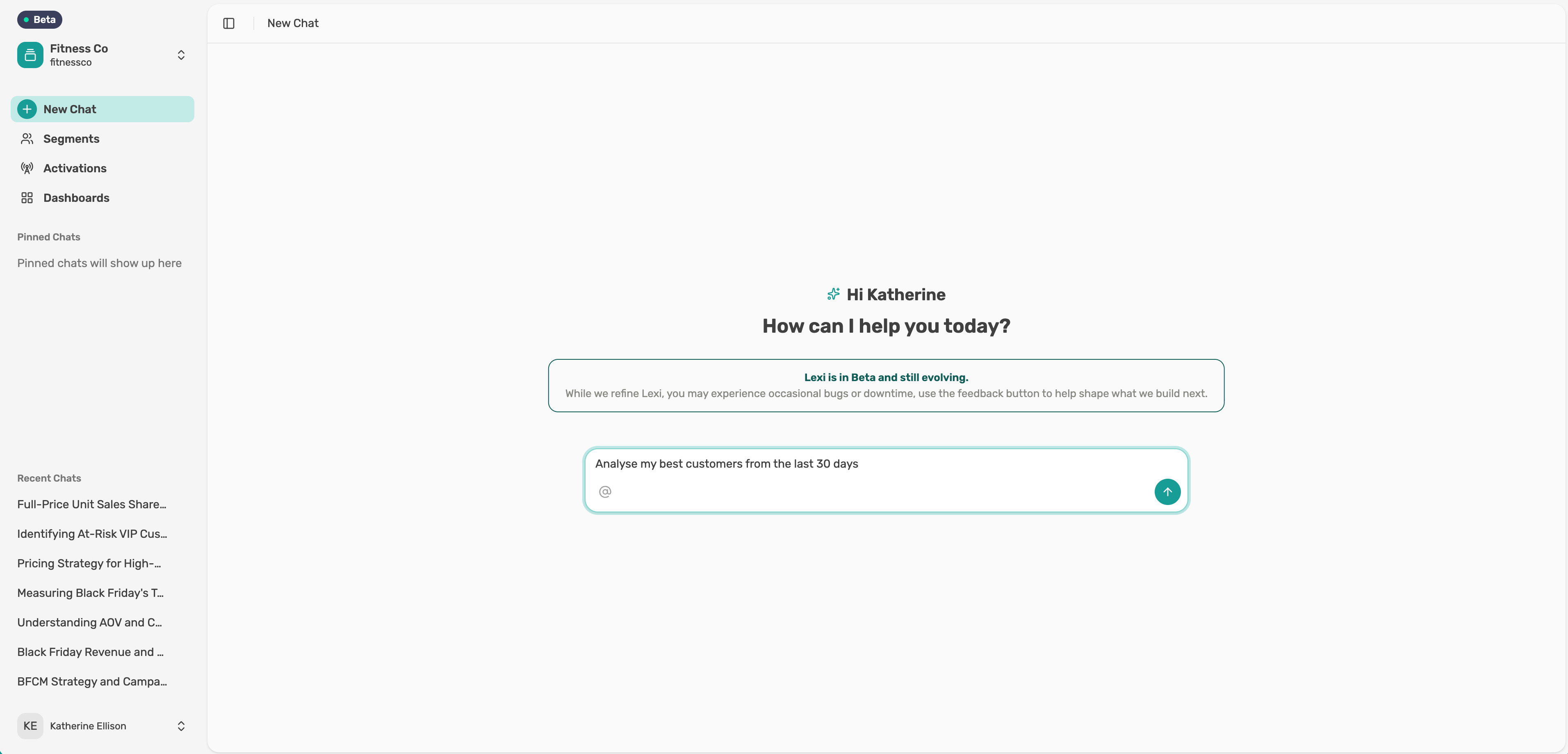
Give feedback on an answer
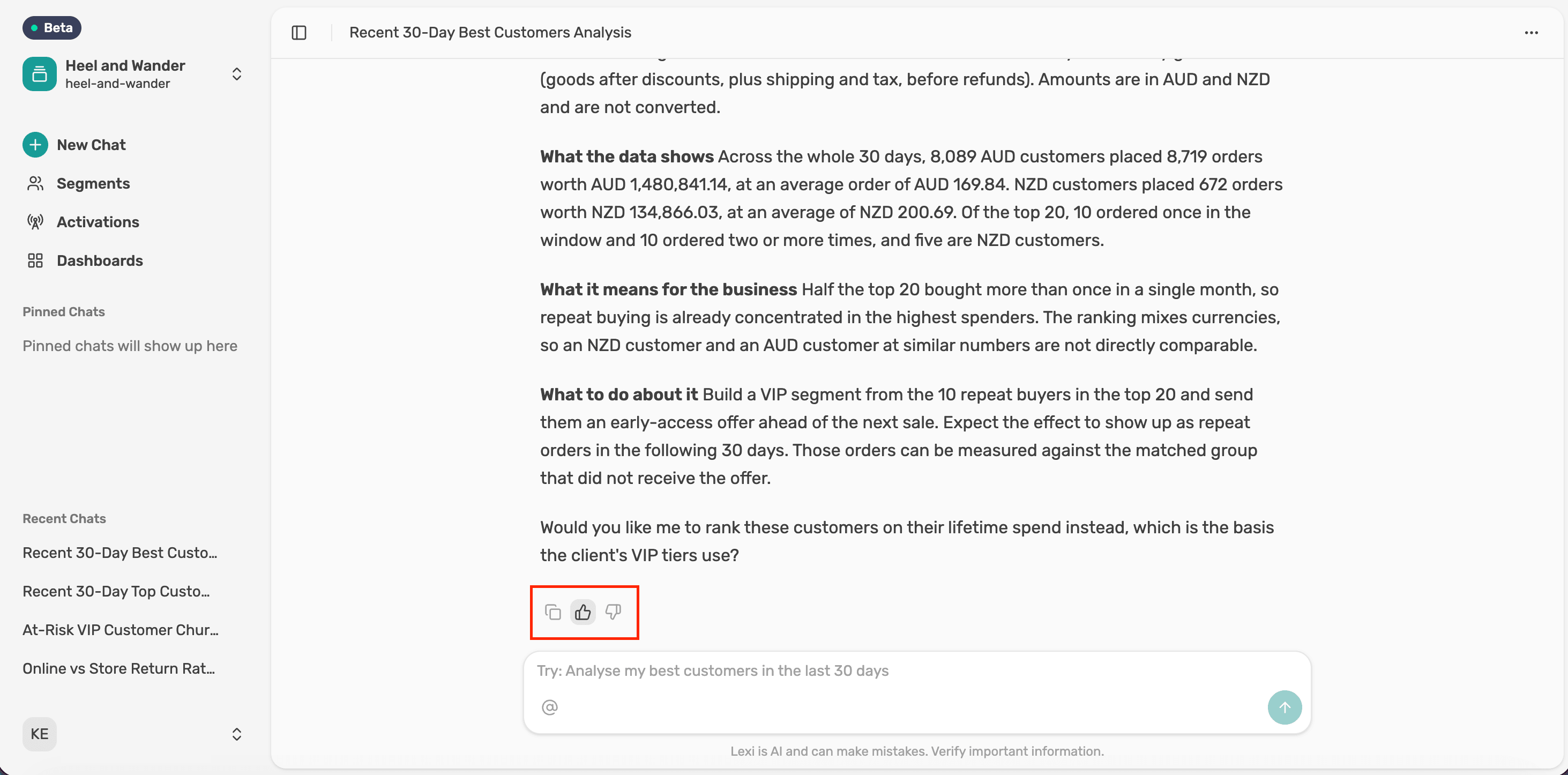
Rate an answer, add a comment or copy it, using the icons under every Lexi response.
Rate the answer
Select thumbs up or thumbs down. Your rating helps improve Lexi's answers.
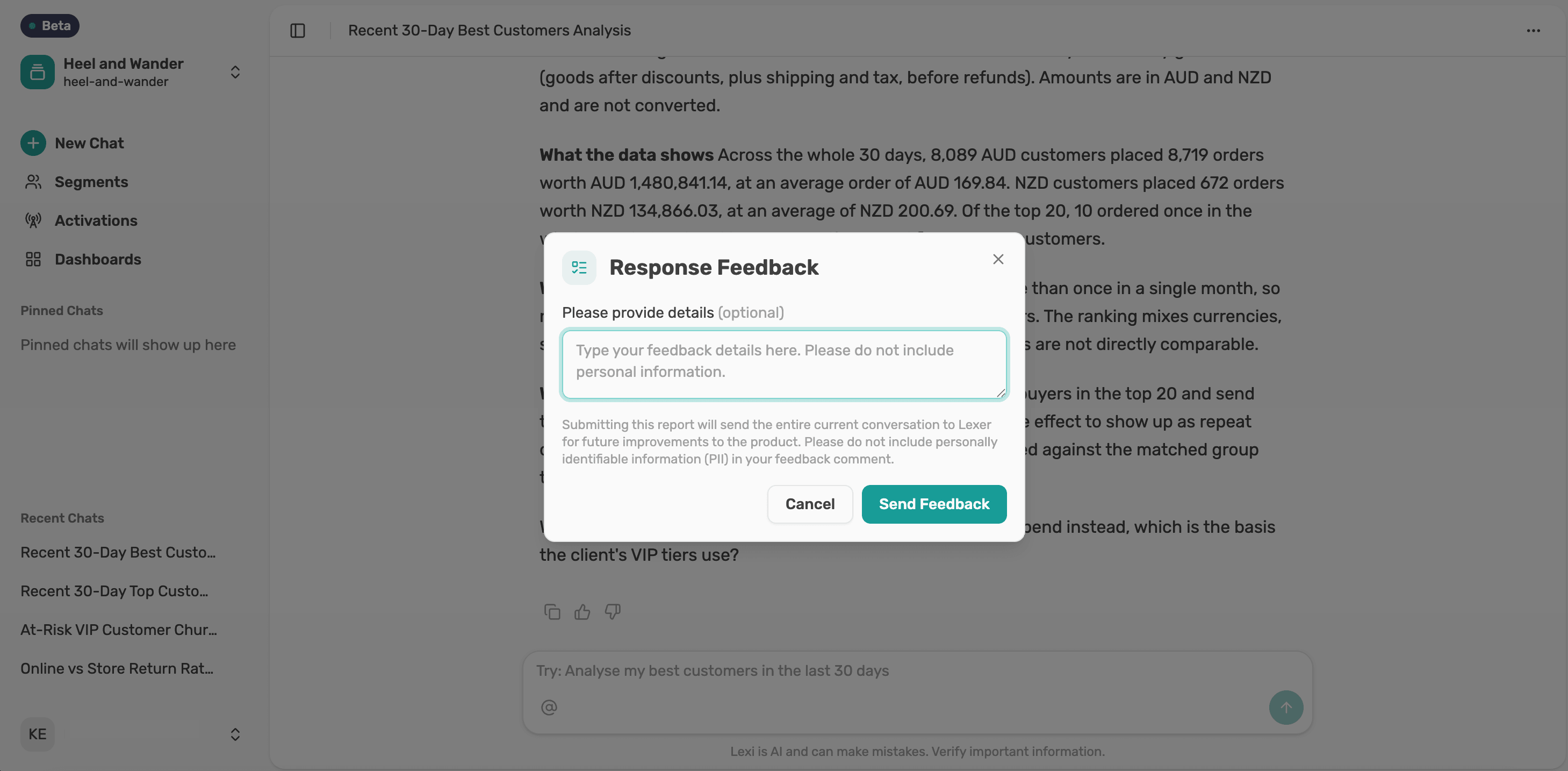
Add a comment
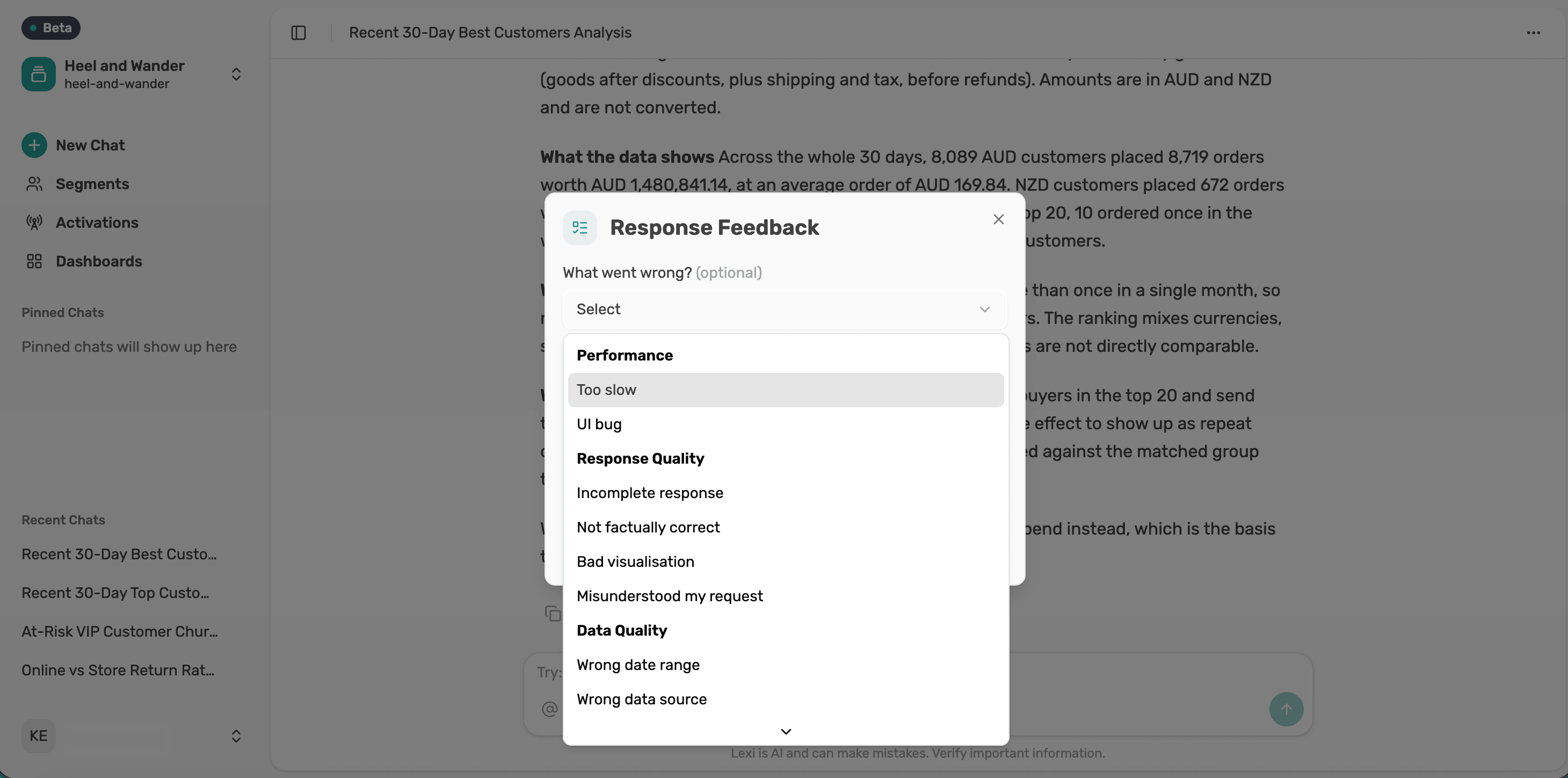
Both open a Response Feedback panel where you can add an optional comment. After thumbs down, you can also pick what went wrong.
Sending feedback shares the whole chat with Lexer, so leave out personal details.
Copy the response
Select the copy icon, then paste Lexi's response into an email, a doc or wherever you need it.
Next article
Pin and unpin a chat