Find your way around Lexi
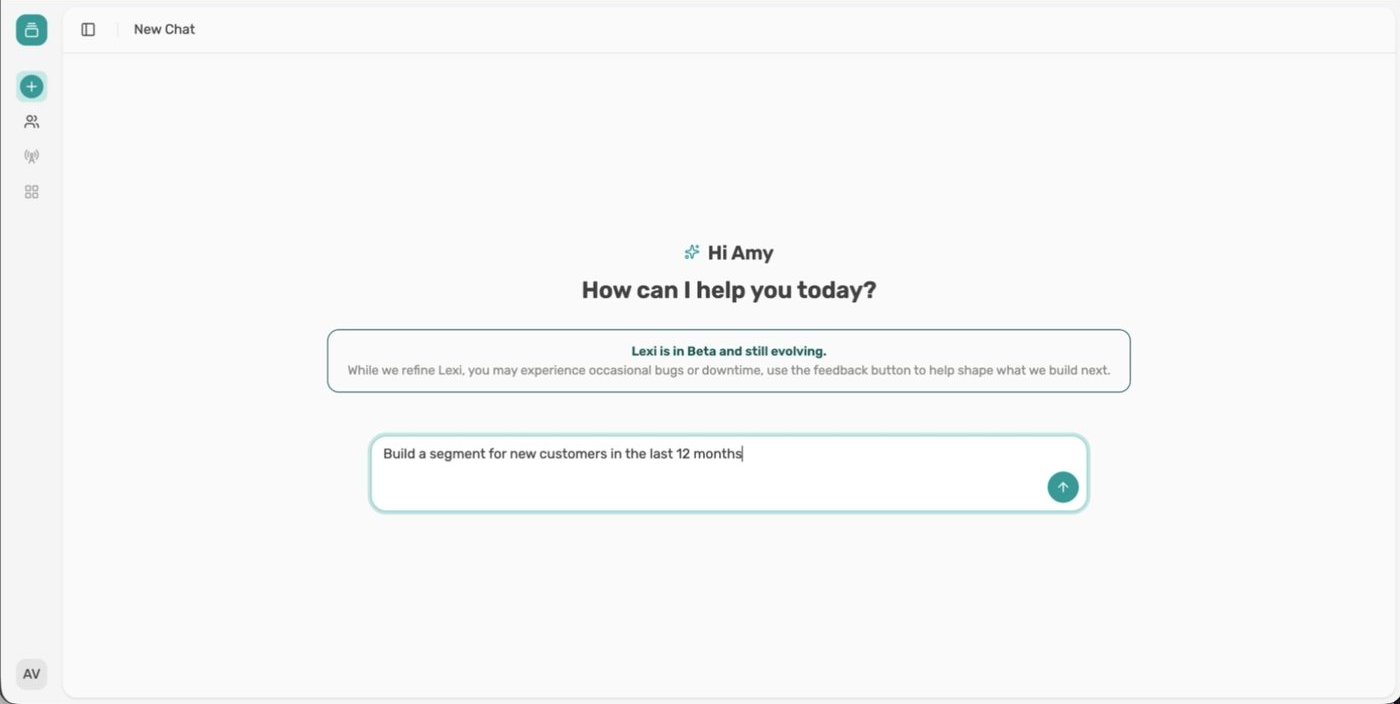
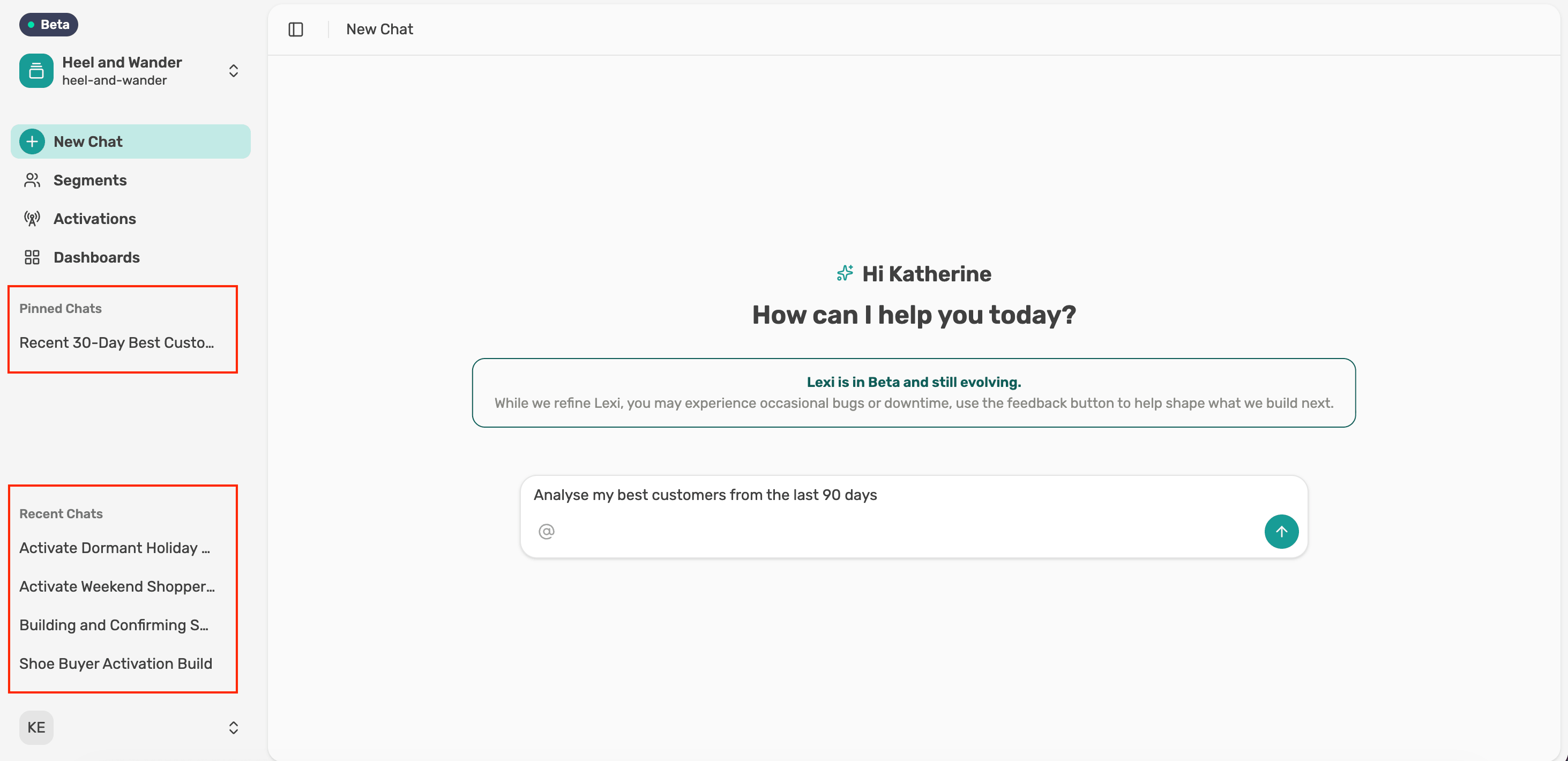
Everything in Lexi starts in chat. The left menu takes you to your chats, saved segments, activations and dashboards.
Start in chat
Type what you want to know in plain language. Lexi shows its progress while it works through your data, then answers, often with a chart or table and a suggested next question.
Find your chats
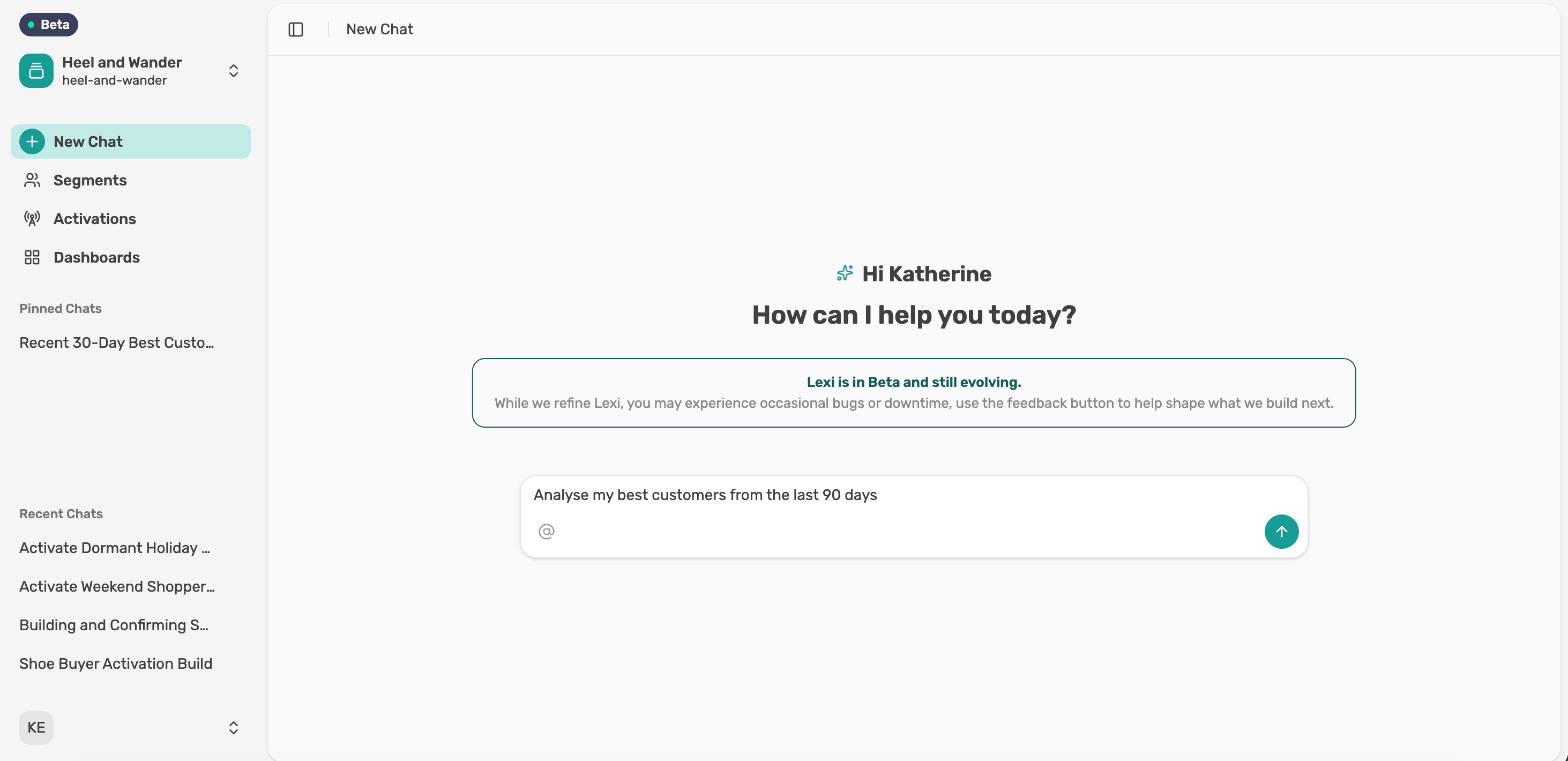
Your chats are saved in Recent Chats in the left panel. Pin the ones you use most and they move to Pinned Chats at the top.
Open Segments
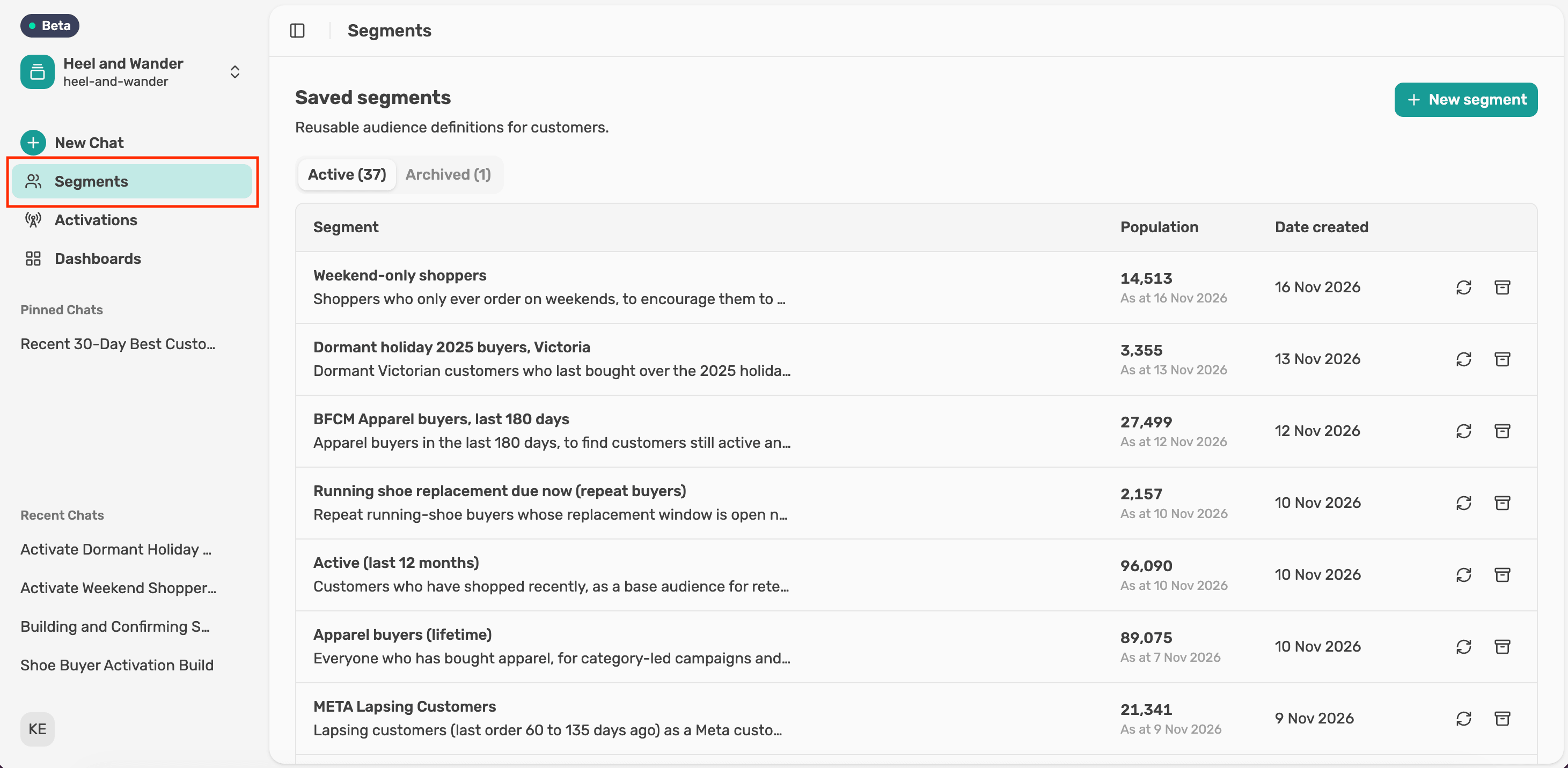
Select Segments in the left menu to see every saved segment, with its size and the date it was created. Select New segment to build one in chat.
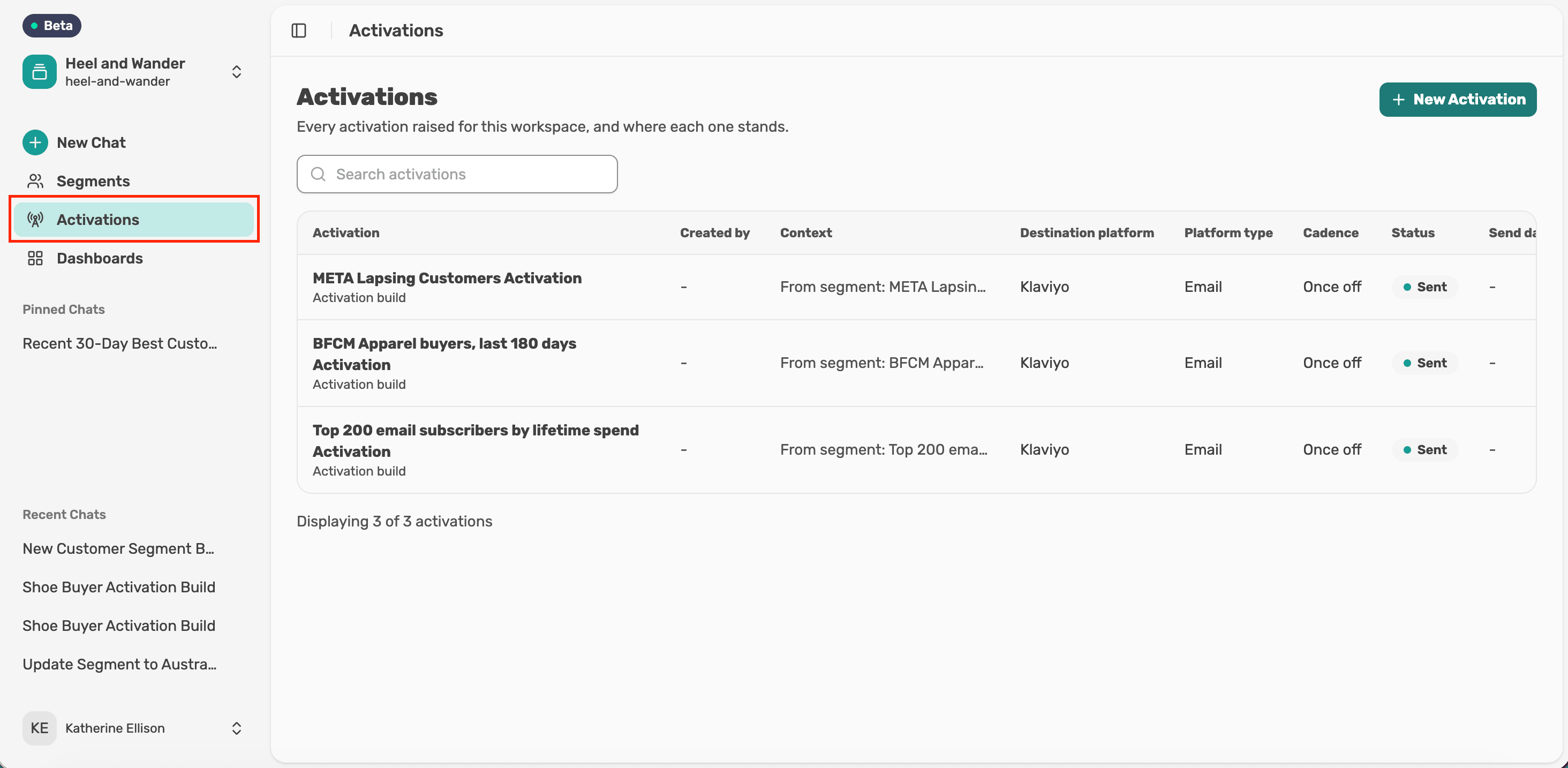
Open Activations
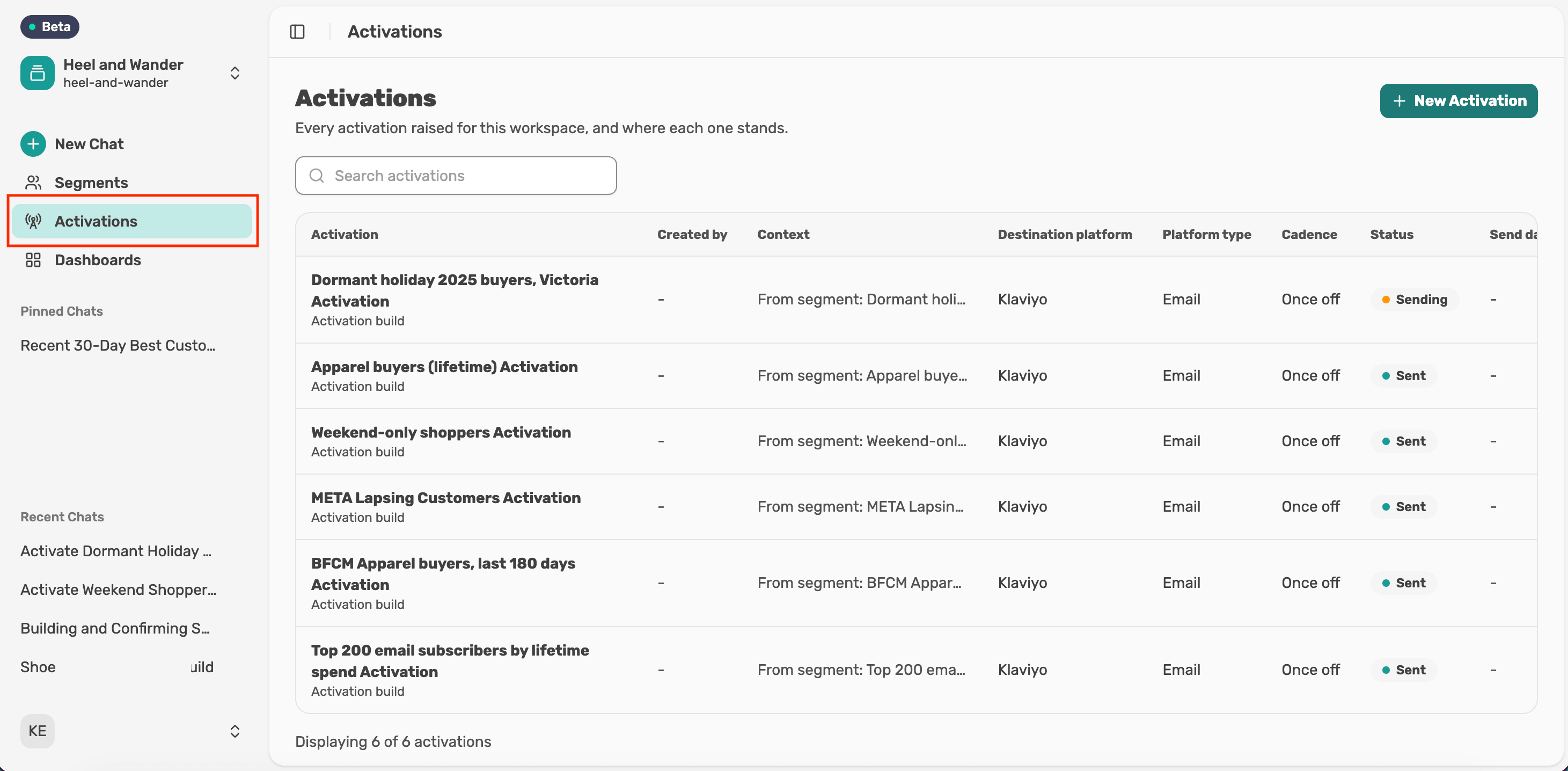
Select Activations in the left menu to see every activation and its status. Activations is in beta.
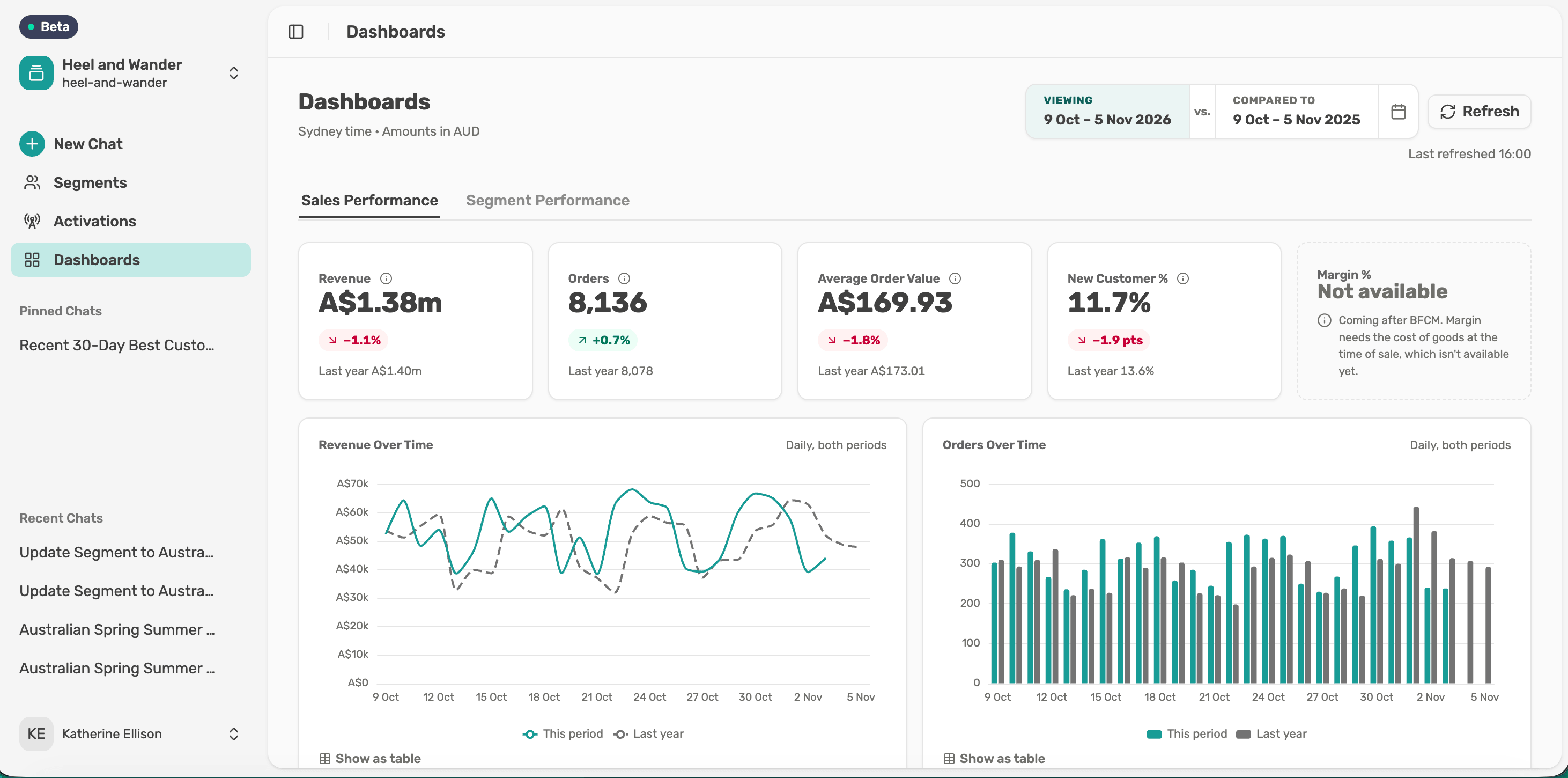
Open Dashboards
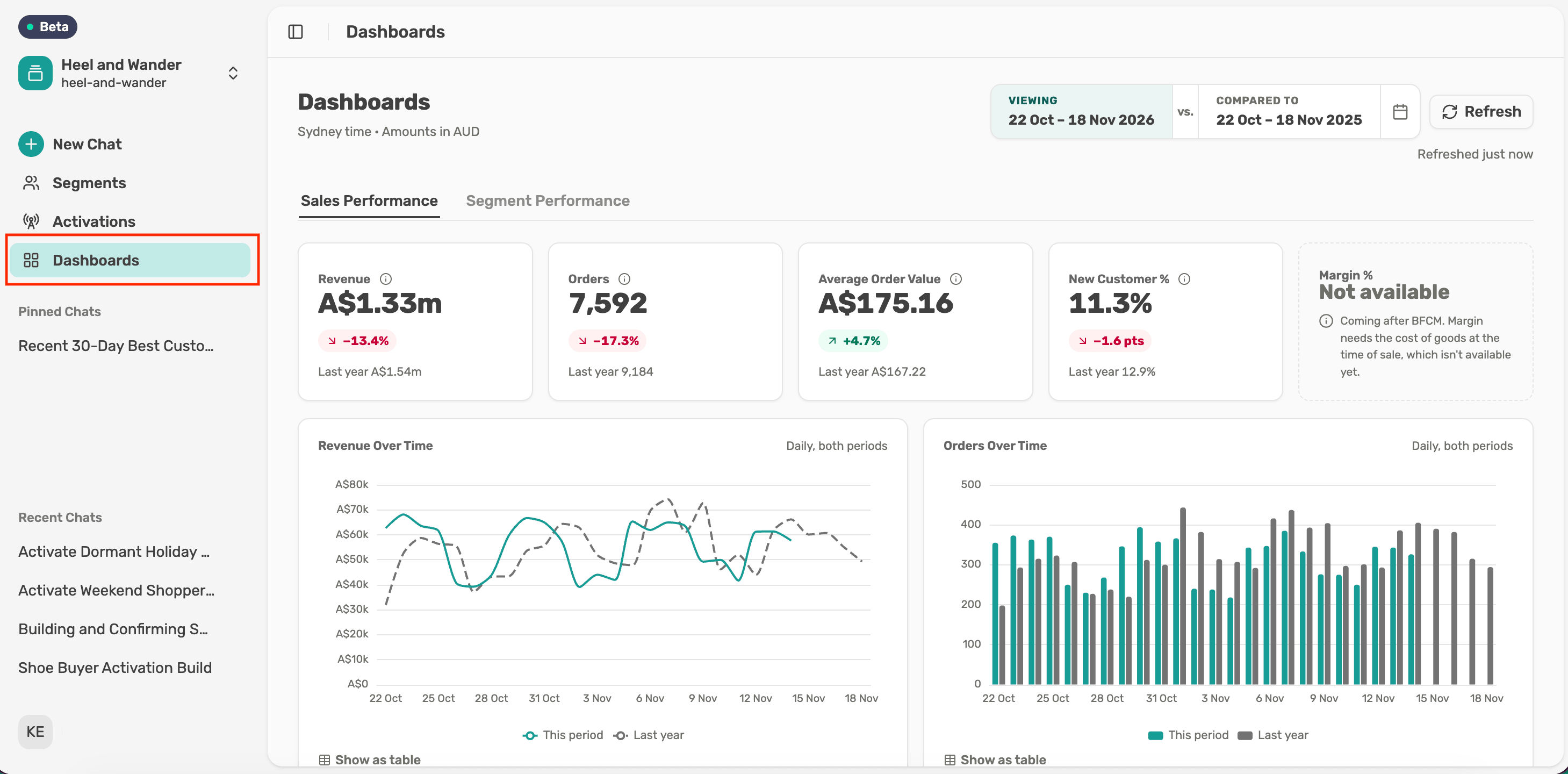
Select Dashboards in the left menu to see Sales Performance for your whole business and Segment Performance for any saved segment. Dashboards is in beta.
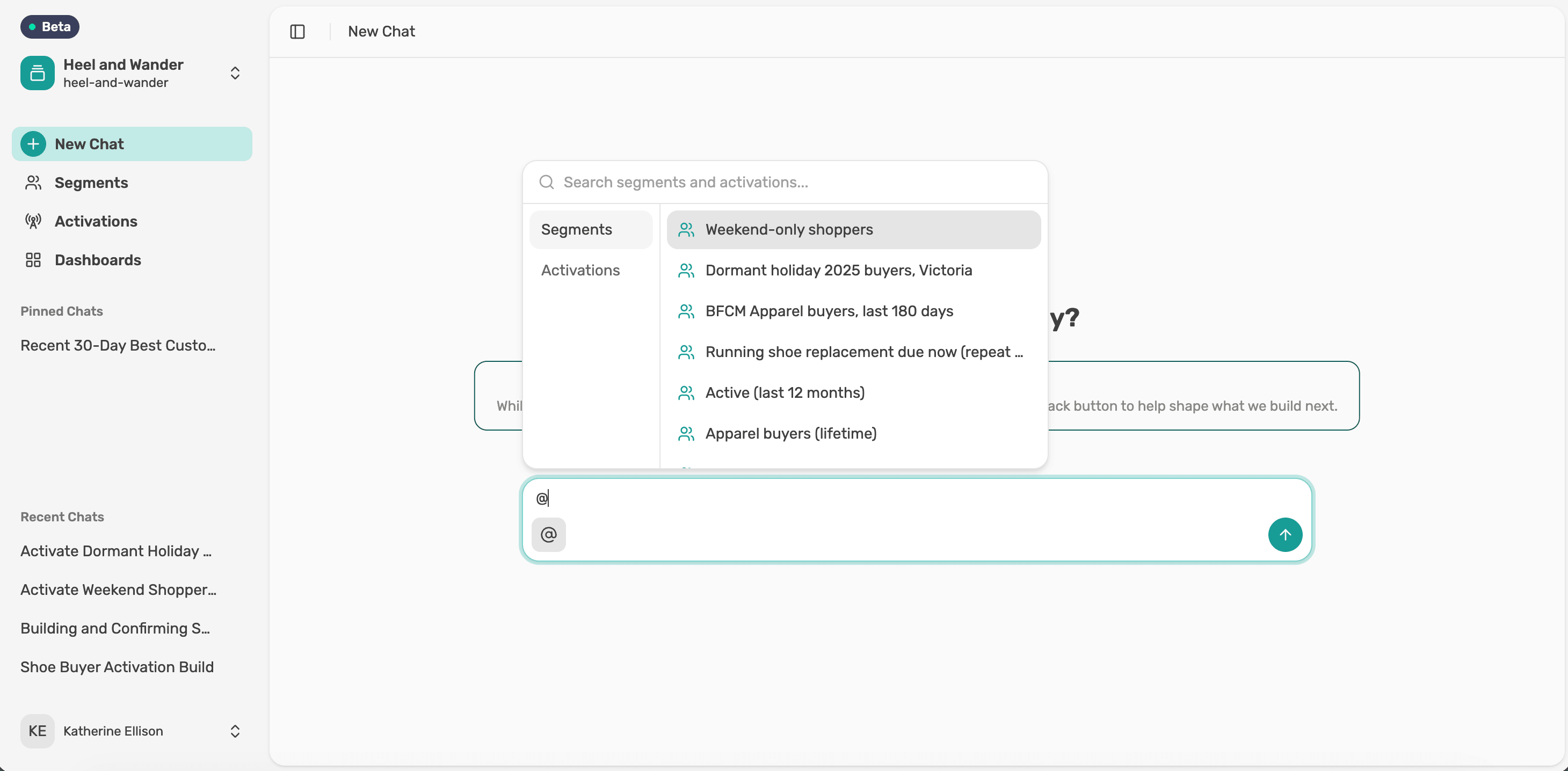
Bring a saved segment into chat
Type @ in any chat and pick a saved segment from the list. You can also use the icon beside the chat box.Tell Lexi about yourself
Tell Lexi your role and what you're working towards, such as "I run CRM for an apparel brand and I'm focused on second purchases this quarter". Lexi remembers, so you don't have to repeat it in every chat.
Tip: Lexi knows what it can do and what data it has. Ask "What can you do?" or "What should I do first for my role?"
Tell Lexi about yourself
Tell Lexi your role and what you're working towards, such as "I run CRM for an apparel brand and I'm focused on second purchases this quarter". Lexi remembers, so you don't have to repeat it in every chat.
Tip: Lexi knows what it can do and what data it has. Ask "What can you do?" or "What should I do first for my role?"